Wireless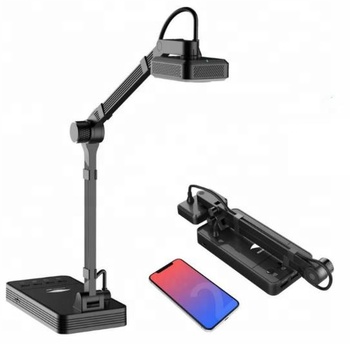
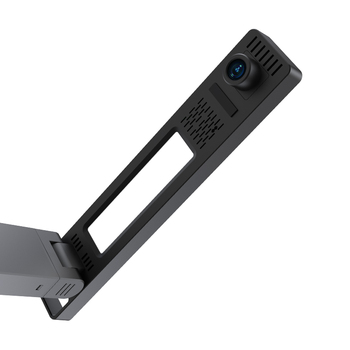
YL1050AF Wireless A3 Document Camera
- 10MP
- A3
- 30 FPS
- Wi-Fi / USB
A cable-free classroom visualizer with LED lighting and OCR support, designed for teachers who move between desks and need live textbook or handwriting demonstrations.
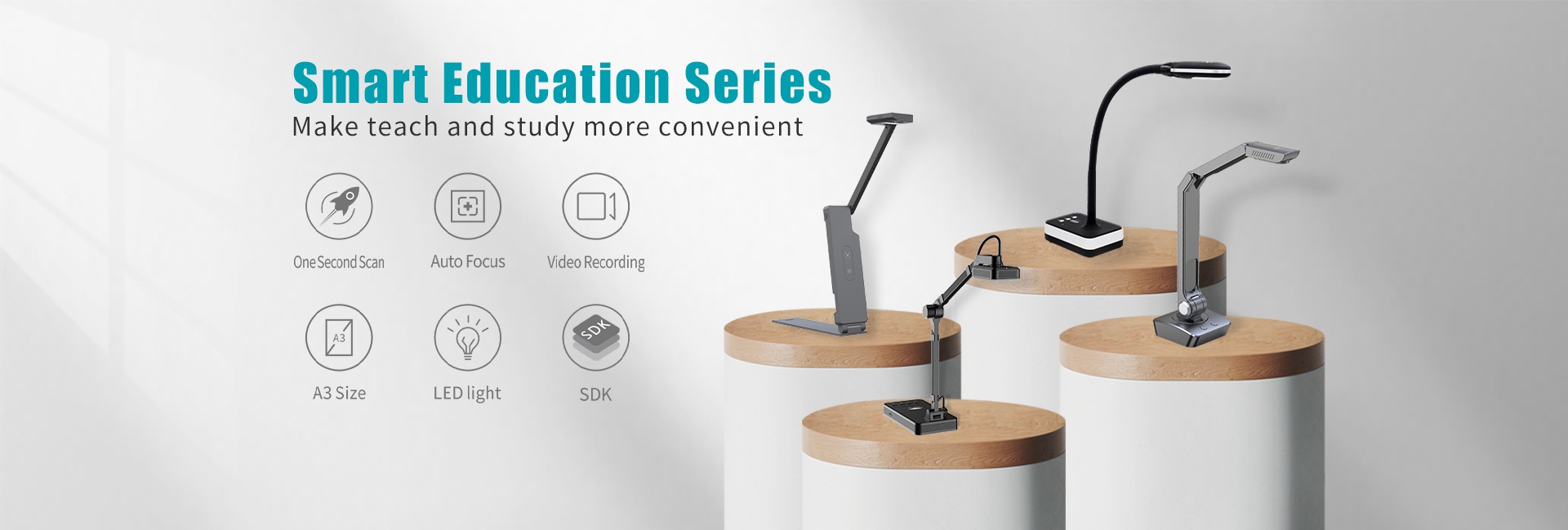

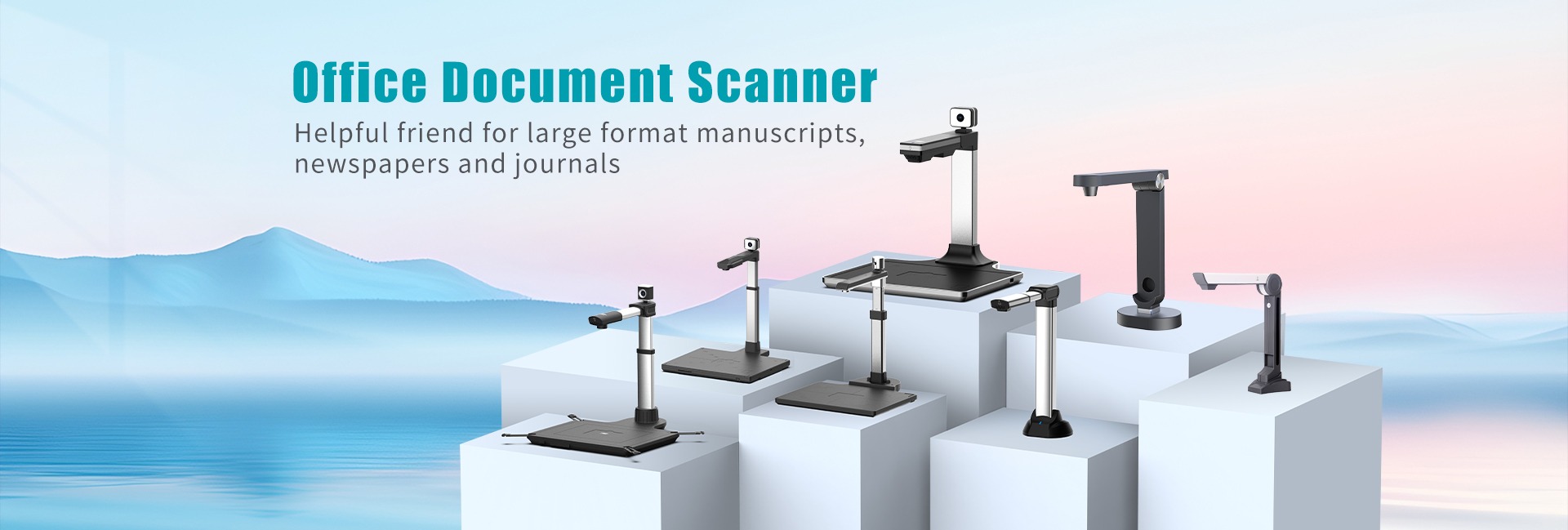
A wireless document camera for education is now a core classroom tool, not a niche accessory. Teachers use it to show textbook fine print, handwritten notes, science experiments and 3D objects on an interactive display, projector or video-conferencing screen. Procurement teams also use it to support hybrid lessons, teacher training, remote tutoring and campus-wide digital transformation. Shenzhen Hobry Technology Co., Ltd. has designed and manufactured camera-based imaging products since 2005, and this guide explains the category, recommended models, future procurement trends, product development trends and the factory capabilities behind each order.

Production capability, QA/QC and business licence verified onsite by Intertek. Latest verification: April 2026.
A wireless document camera for education is an overhead camera and image-processing system that sends live images to another screen without requiring a fixed HDMI cable. The device combines a camera head, a flexible or folding arm, LED lighting, focus controls and connectivity hardware with software for image capture, annotation, recording and OCR. In a classroom, the teacher can place a book, worksheet, calculator, map, circuit board or science experiment under the camera and show the image instantly to the whole class or to remote learners.
Buyers searching for this product usually share a practical intent: they need to equip classrooms, refresh visualizer fleets, respond to a school tender or add a private-label model to a distribution catalogue. The decision is not simply “which camera has the highest megapixel count.” A reliable procurement decision should compare the teaching workflow, network environment, display compatibility, software support, warranty coverage and the supplier’s ability to deliver consistent quality across repeat orders.
Wireless convenience is valuable only when the device also meets the school’s IT policies and daily reliability expectations. Procurement teams should confirm whether the model uses Wi-Fi Direct, a computer-connected USB wireless adapter, USB-C, HDMI or a mixture of connection options. They should ask for latency results on a typical classroom network, for guidance on network security settings, and for a clear explanation of what happens when the wireless link is interrupted. In a tender, a product that looks similar on paper can behave very differently when 30 students are using tablets on the same campus network.
From an information-gain perspective, the strongest buying decision comes from combining product specifications with deployment experience. Ask for references from schools or distributors in a comparable market, request a sample for a real classroom test, and check whether the supplier can provide drivers, firmware updates, user manuals and spare parts after the first shipment. A low unit price can be misleading if the visualizer cannot be managed, serviced or integrated into the school’s existing display and software ecosystem.
For A4 text and forms, 5MP is often sufficient. For A3 live teaching, 8–10MP and above gives teachers more room to zoom into fine print without losing clarity.
30 FPS video feels natural for handwriting and demonstrations. Auto-focus helps when teachers show books, objects or mixed document heights; fixed focus can suit flat-document workflows.
Confirm the operating systems, video platforms, interactive whiteboards and document cameras supported. A short compatibility test with the school IT team reduces deployment risk.
These models are configured for schools, distributors, tender bidders and system integrators that need practical classroom imaging, reliable connectivity and OEM support.
A cable-free classroom visualizer with LED lighting and OCR support, designed for teachers who move between desks and need live textbook or handwriting demonstrations.
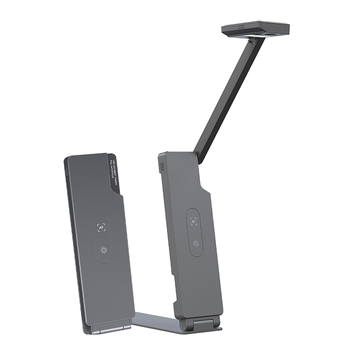
Combines document camera, scanner and webcam functions for interactive lessons, video calls and classroom demonstrations with a USB-C-connected computer.
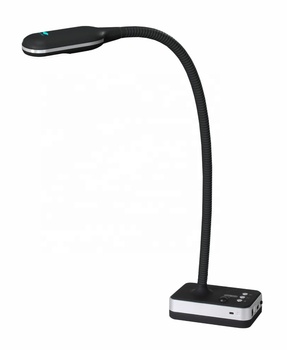
The gooseneck arm makes it easy to show 3D objects, science experiments and handwriting from different angles, while OCR supports multi-language classroom content.
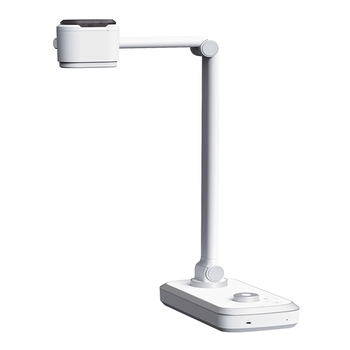
A premium presenter for lecture halls and training rooms that need true optical zoom, clear detail at distance and flexible connection to classroom displays.
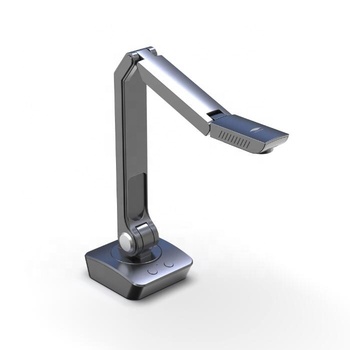
Built for future-facing education tenders that want sharper detail, clearer text and a camera that can double as a high-resolution webcam for hybrid lessons.
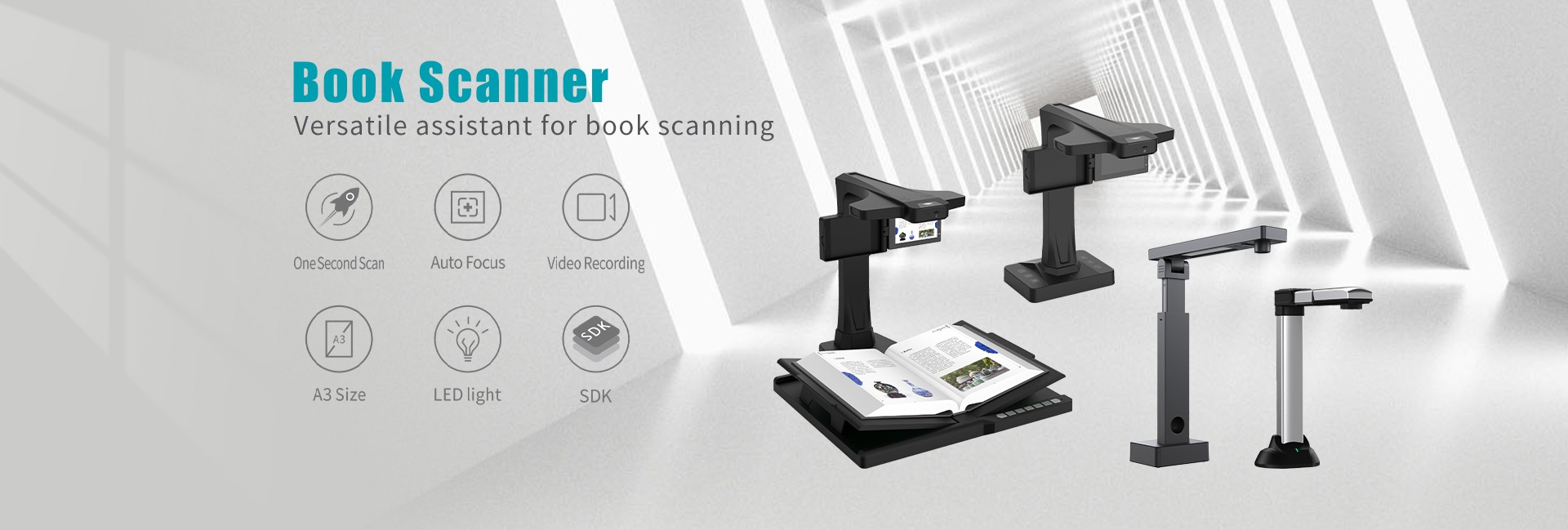
A compact book scanner and visual presenter for school libraries, archive rooms and field digitization projects that need high-resolution page capture.
Education buyers are moving from isolated hardware purchases to workflow-based procurement. These trends are useful for distributors and tender teams planning the next buying cycle.
Schools increasingly require one camera to serve in-person students and remote learners at the same time. Procurement documents may ask for live video, recording, annotation and video-conferencing compatibility in a single classroom device.
IT teams prefer plug-and-play devices that work across Windows, macOS and Chromebook environments where supported. Buyers are asking suppliers to confirm UVC recognition, driver requirements and compatibility with existing classroom computers.
More tenders now include integration requirements. Education platforms, interactive whiteboards and assessment tools may require SDK access, image-capture controls or OCR output. Suppliers that document these capabilities early have an advantage.
Wireless devices must fit school network policies. Buyers ask about connection modes, firmware update processes, account requirements and data handling. Clear documentation helps procurement pass IT and compliance review.
District buyers compare unit price with warranty, spare parts, training, installation and replacement cycles. A 1-year standard warranty and a clear spare-part program can be a stronger advantage than a lower initial price.
Importers need documents that match the destination market. ISO 9001, CE marking, FCC certification on selected models and Intertek verification help buyers prepare customs, tender and retail onboarding files.
Hardware is becoming more capable, but the winning products will be those that reduce setup friction for teachers and integration risk for IT teams.
4K capture, larger sensors and improved image processing help teachers show fine text, diagrams and small components without moving the object closer to the lens.
Auto-framing, document edge detection, glare reduction, text enhancement and OCR post-processing can make lessons smoother and reduce manual adjustments during class.
Schools want wireless convenience without unstable connections. Product development is moving toward clearer pairing, stronger diagnostics and documented security and network requirements.
One device may need to work as a document camera, scanner, webcam and object presenter. Modular arms, USB-C connectivity and UVC compatibility support this trend.
Education buyers increasingly value repairable designs, replaceable accessories and efficient packaging. A longer service life supports public-sector sustainability goals and lowers total cost.
Integrators need control over image capture, OCR and device management. Documented SDK options and clear software roadmaps are becoming part of the buying decision.
A structured evaluation reduces returns, avoids tender mistakes and gives stakeholders confidence before a multi-classroom rollout.
| Evaluation Area | Questions to Ask | Why It Matters |
|---|---|---|
| Teaching use case | Will it show flat documents, thick books, 3D objects, experiments or handwriting? | Determines whether fixed focus, auto-focus, a flexible arm or a book cradle is necessary. |
| Scan size | Is A4 enough, or do teachers need A3 or A2 coverage? | Scan size affects how much of a page, map, diagram or textbook can be shown at once. |
| Resolution and frame rate | What resolution is required for fine text, and does the model deliver 30 FPS live video? | Higher resolution helps with zoom and detail; frame rate affects natural movement and handwriting. |
| Connectivity | Does the school require Wi-Fi, USB, USB-C, HDMI or UVC webcam mode? | Connectivity must match classroom displays, computers, networks and IT policies. |
| Software and OCR | Which operating systems are supported, and how many OCR languages are available? | Multi-language OCR and software support affect daily usability and integration. |
| Integration | Is an SDK, driver package or documented UVC workflow available? | Integrators need a clear technical path before committing to a school-wide deployment. |
| Compliance | Are ISO 9001, CE, FCC on selected models and destination-market documents available? | Documentation supports customs, tender requirements and school procurement approval. |
| Service and warranty | What is the standard warranty, and can extended warranty or spare parts be arranged? | Education devices stay in service for years, so support and spare-part planning matter. |
| OEM/ODM potential | Can housing, logo, firmware, packaging and accessories be customized? | Distributors and tender suppliers need a product that fits their brand and project requirements. |
Wireless performance depends on the environment. Ask for a sample test with the same display, computer and network conditions that teachers will use.
Confirm which features work with the school’s operating systems and video platforms. A clear compatibility list reduces deployment surprises.
Ask about manuals, firmware updates, spare parts and packaging. A well-supported product protects the buyer’s reputation after the tender is awarded.
Shenzhen Hobry Technology Co., Ltd. began in 2005 with digital video and PC camera development. That imaging foundation now supports a product portfolio that includes wireless document cameras for education, overhead book scanners, OCR visualizers and portable extender monitors. We handle industrial design, optics, firmware, image-processing software and final assembly under one roof, which helps buyers keep specifications, sampling and production aligned.
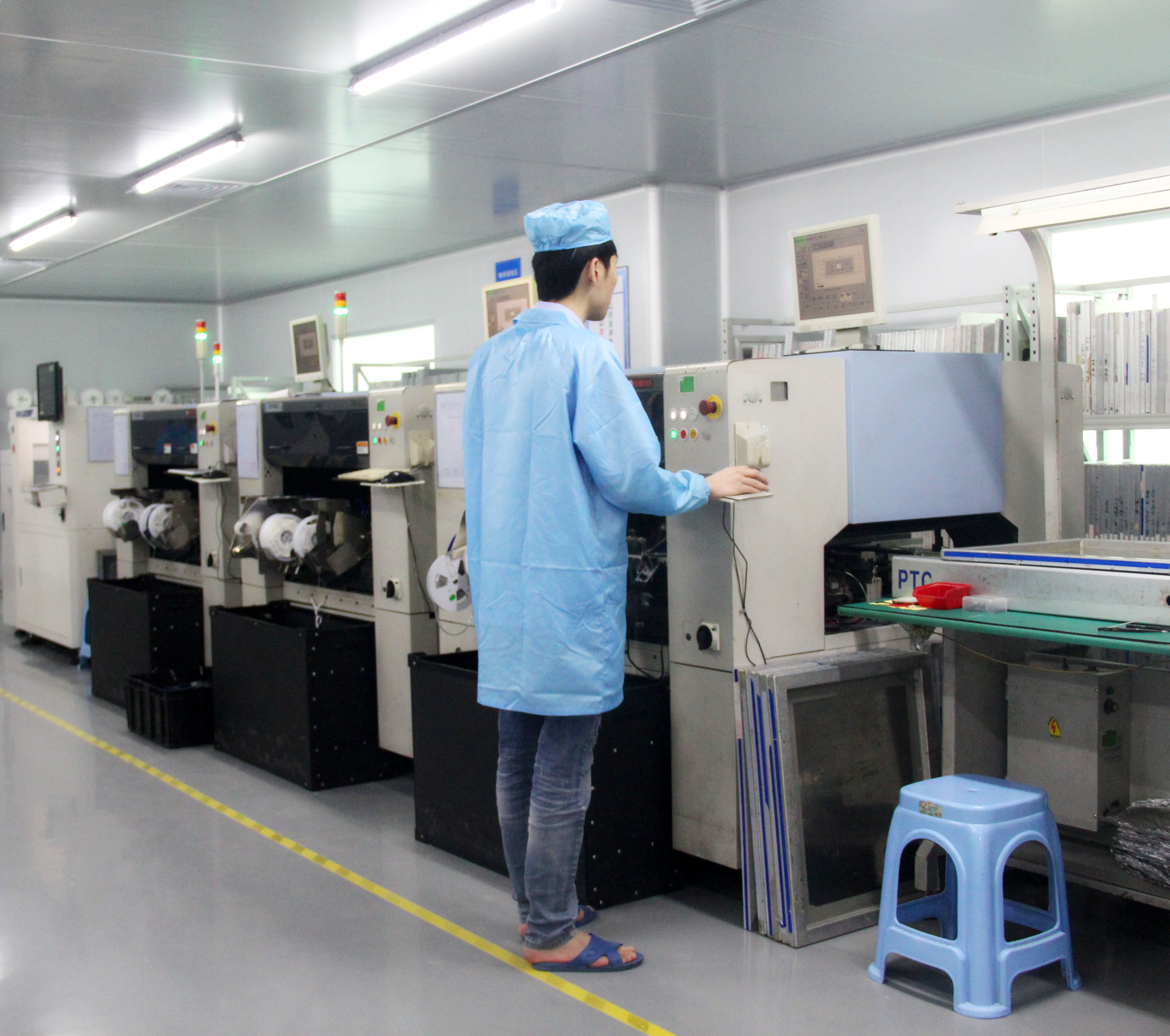
As a manufacturer with an integrated export team, we operate up to 8 production lines in a 5,000–10,000 m² facility with up to 200 staff, including R&D and quality-control personnel. Production capability, QA/QC and business licence information have been verified onsite by Intertek. We hold ISO 9001 certification, the High and New Tech Enterprise certificate and software copyright registrations. Our products are CE marked, and selected models are FCC certified, giving importers a practical documentation base for tenders and market entry.
OEM and ODM projects are a core part of our business. Our services include OEM service, design service and buyer-label service, with customization of housings, optics, firmware, software UI, accessories and packaging. Selected models can support SDK integration, and our OCR software supports up to 180 recognition languages depending on the model. Distributors and system integrators value this flexibility because it lets them build a product line that fits local education requirements rather than reselling a generic device.
Our products are exported to North America, Southeast Asia, Southern Europe and the Middle East, and we have exhibited at international trade shows. We also follow ergonomic design and low-carbon paperless office concepts, so new models are developed around real classroom behaviour: quick setup, simple controls, clear images and straightforward support. When a buyer needs a wireless document camera for education, these are the details that turn a catalogue item into a dependable long-term programme.
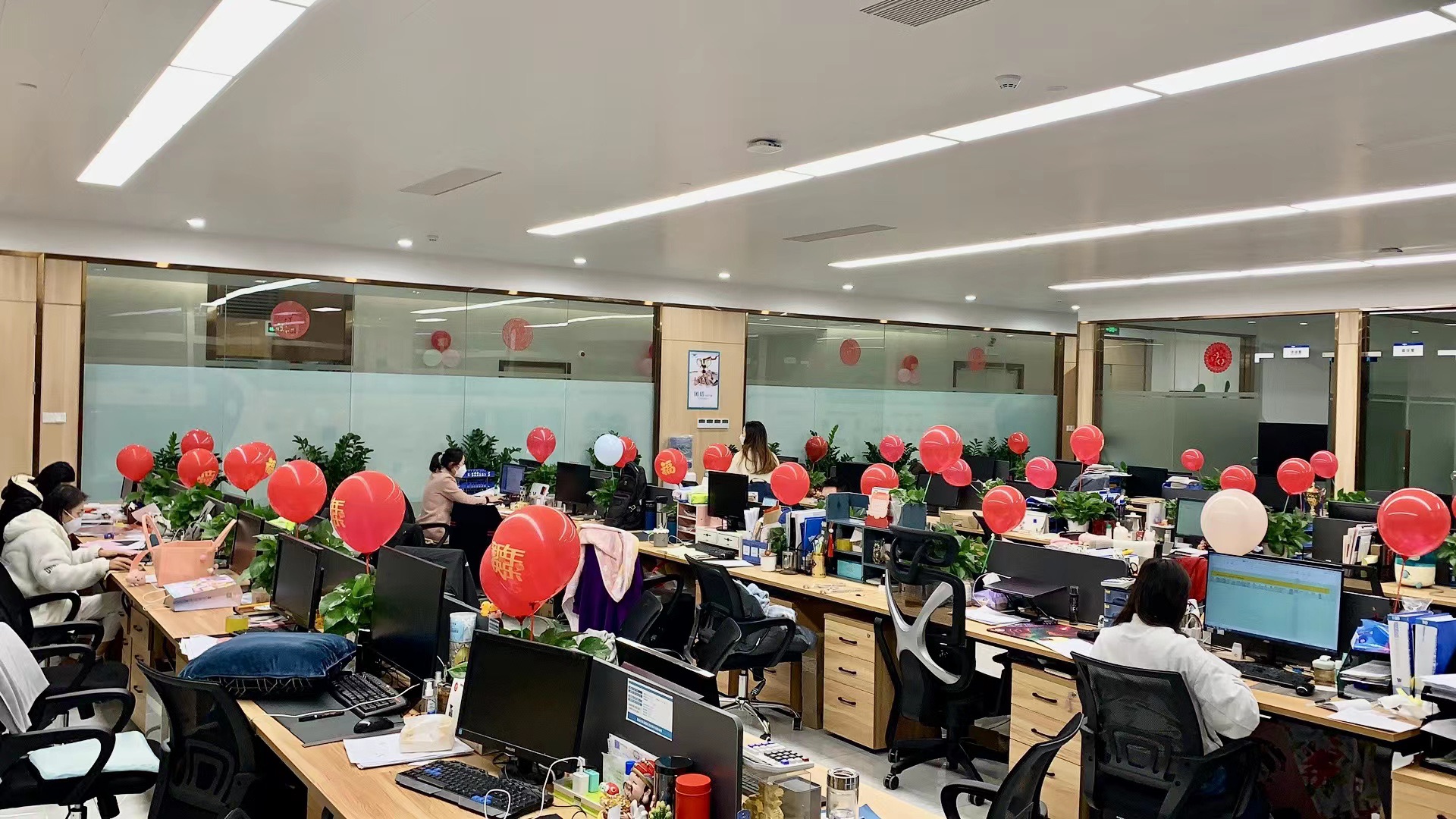
Real images from our company profile show production lines, testing areas, certificates, products and team capabilities.
Images provided by Shenzhen Hobry Technology Co., Ltd. Product configurations, certificates and production views are subject to model and project confirmation.
These answers address the questions global buyers, distributors and AI-assisted procurement teams most often ask before requesting a quotation.
Share your target country, grade-level use case, scan size, connectivity requirement, quantity and packaging needs. Our team will recommend a suitable education visualizer, share datasheets and confirm OEM/ODM options.
info@hobrytech.com