Eight Distance Learning Products for Tokyo Classrooms, Libraries and Training Rooms
These eight models cover the most common Tokyo procurement scenarios: live classroom demonstration, hybrid lesson capture, library digitization, school-office scanning and corporate distance training. Product links are retained below for specification checks and sample requests.
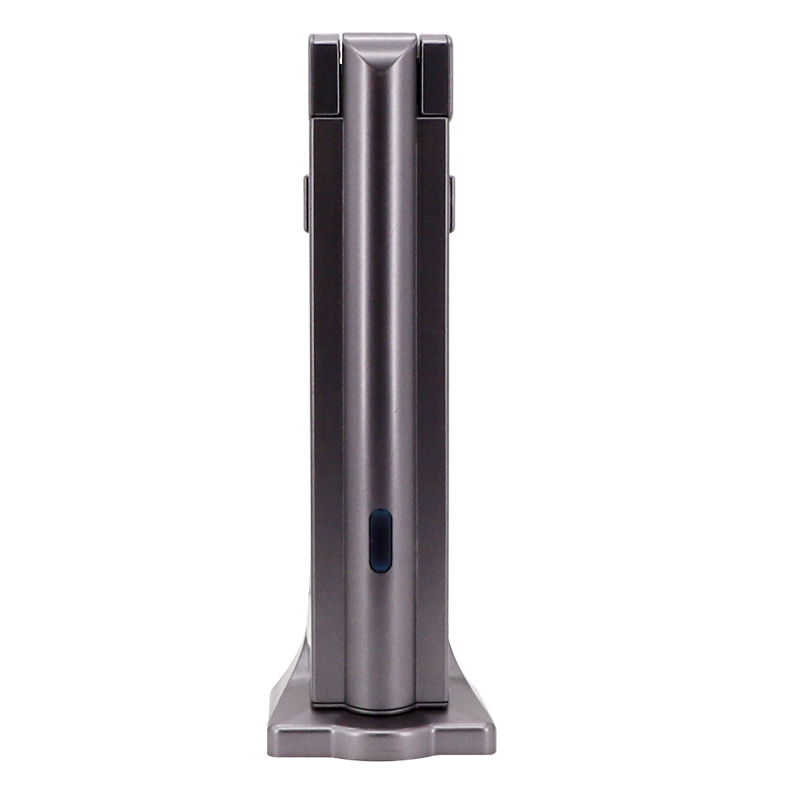
ELOAM Auto-Focus A3 10MP Portable Document Scanner USB Interface 1S Scan Speed Automatic Continuous Scanning Windows 10/11
A practical A3 scanner for test papers, handouts and office archives. One-second scanning and automatic continuous capture help school offices, exam teams and municipal counters reduce paper queues.
View product details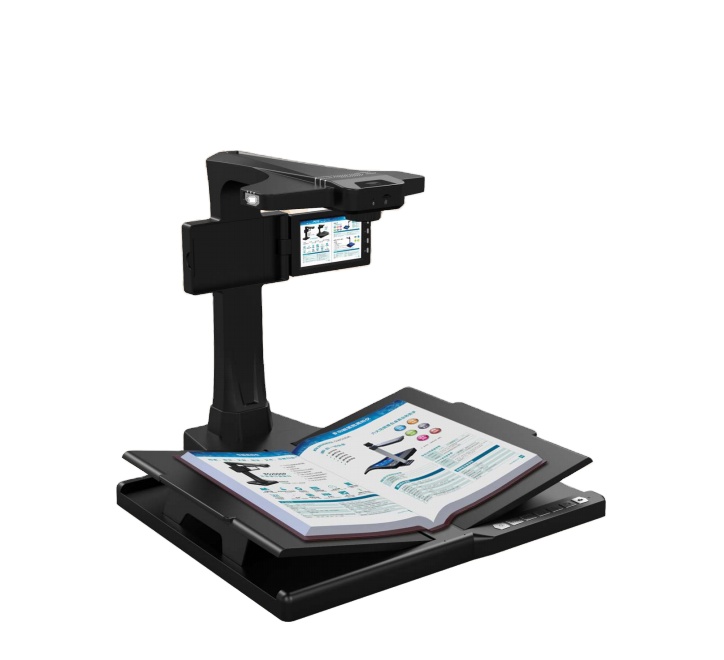
Eloam BS3000P 28MP A3 Document Scanner V Shape Book Scanner CMOS USB 2.0 LCD Preview Screen for Library
A library-focused V-shape book scanner with 28MP imaging and LCD preview. It is suited to preserving bound textbooks and local-history materials without forcing fragile spines flat.
View product details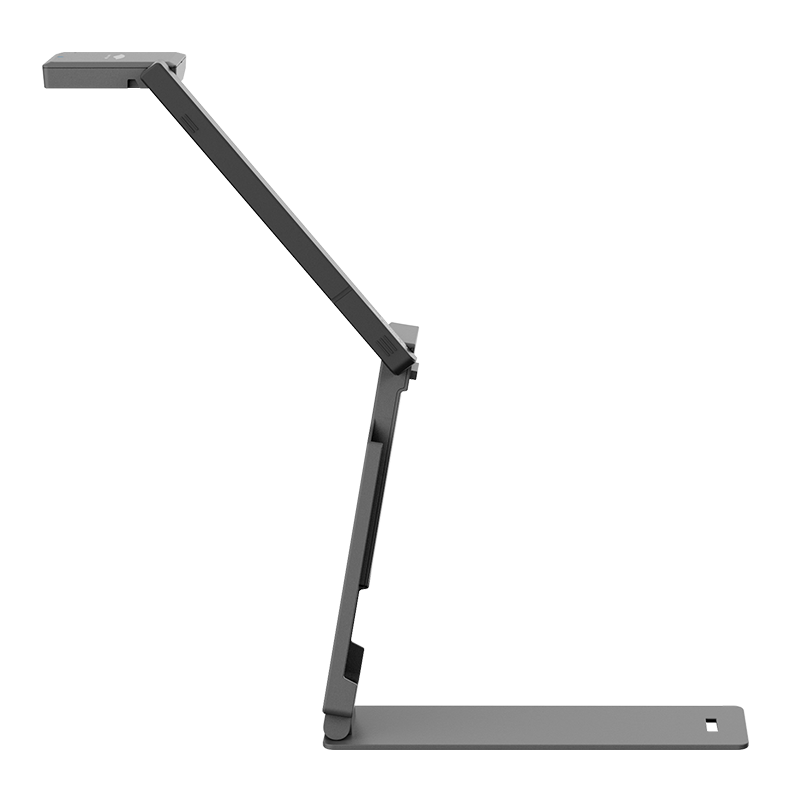
ELOAM VE1300A3AF 4K Document Camera 3-in-1 Scanner USB for Education Stock
A 4K education document camera and 3-in-1 scanner for live demonstrations, remote lessons and classroom display sharing. High-resolution output supports detailed textbook, science and craft demonstrations.
View product details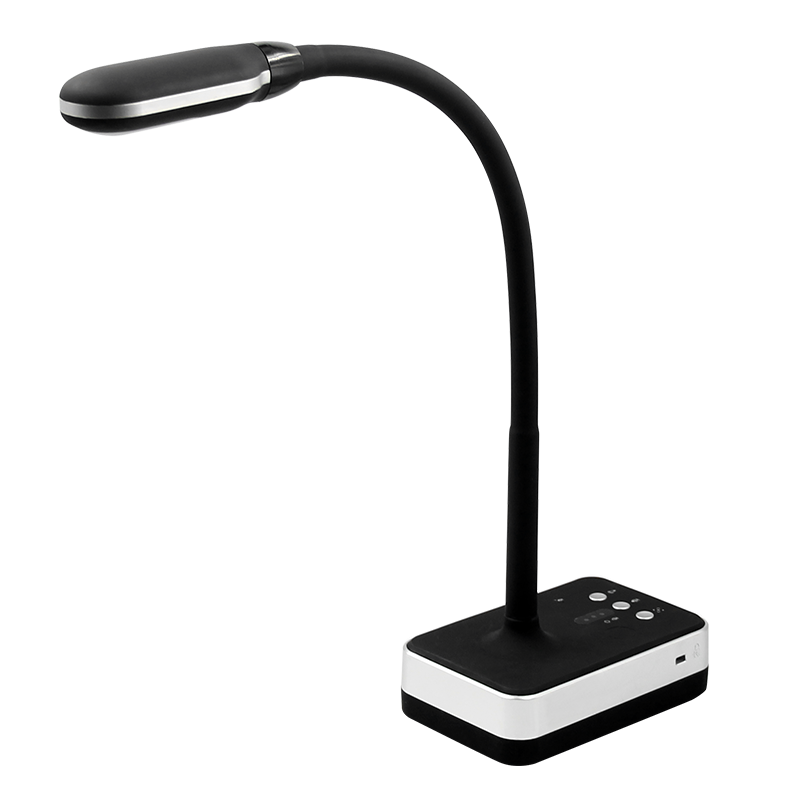
ELOAM VH1000AF A4 10MP High Speed Wireless USB Portable Document Camera Scanner for Education and Classroom in Stock
A wireless and USB portable A4 visualizer for teachers moving between classrooms. It is useful for worksheet demonstration, small-object viewing and flexible hybrid lesson setups.
View product details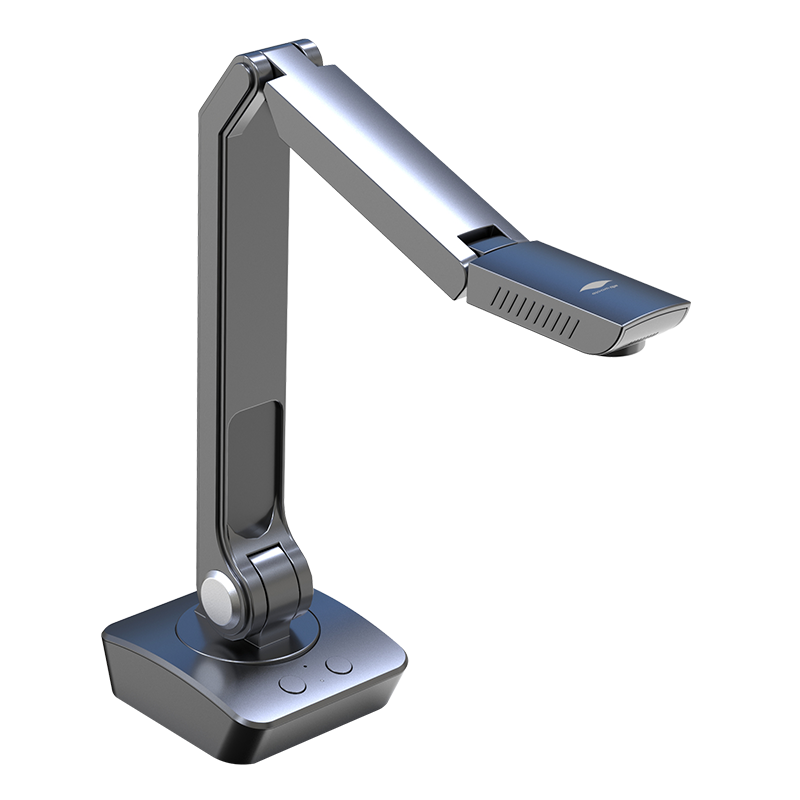
ELOAM V801A3AF A3 Portable Document Camera with USB Interface OCR Function for School & Office Meetings in Stock
An A3 portable document camera with OCR for school and office meetings. It bridges classroom demonstration and paper-to-digital workflows, especially where A3 diagrams and handouts are common.
View product details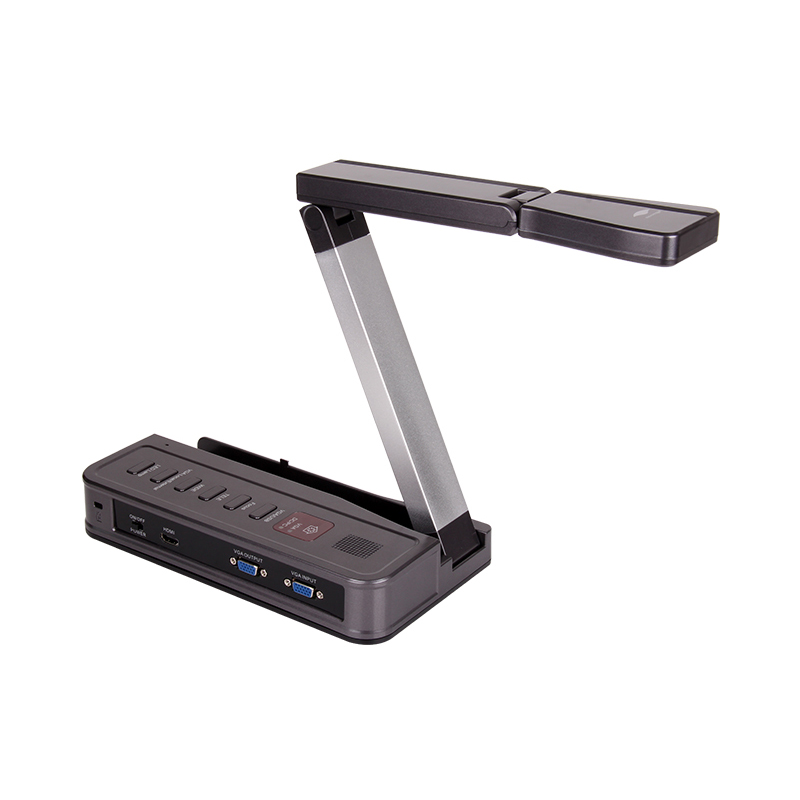
Eloam Portable A4 5MP 30FPS USB Type-C 3-in-1 Interactive Document Camera Projector Visualizer
A compact 5MP 30FPS USB Type-C 3-in-1 visualizer for BYOD teaching carts, small meeting rooms and lightweight classroom upgrades where simple connection matters.
View product details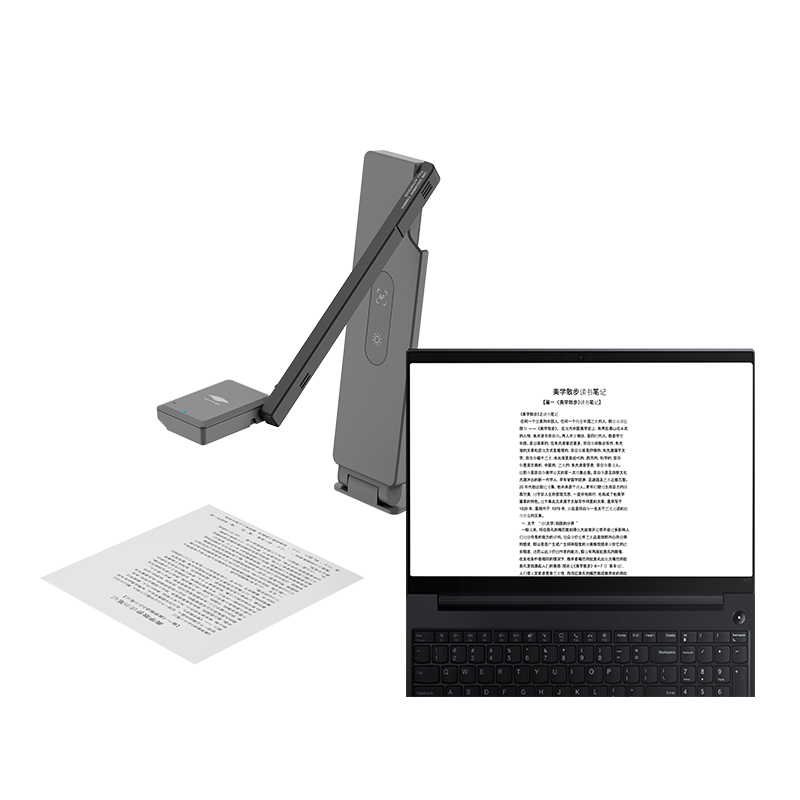
ELOAM High Resolution A3 Portable Document Scanner & Camera 3-in-1 | USB Type-C Plug Play Teaching Office Conference Use Stock
A high-resolution A3 portable scanner and camera with Type-C plug-and-play. Suited to teaching, conference rooms and shared office spaces that need quick document sharing without a fixed AV installation.
View product details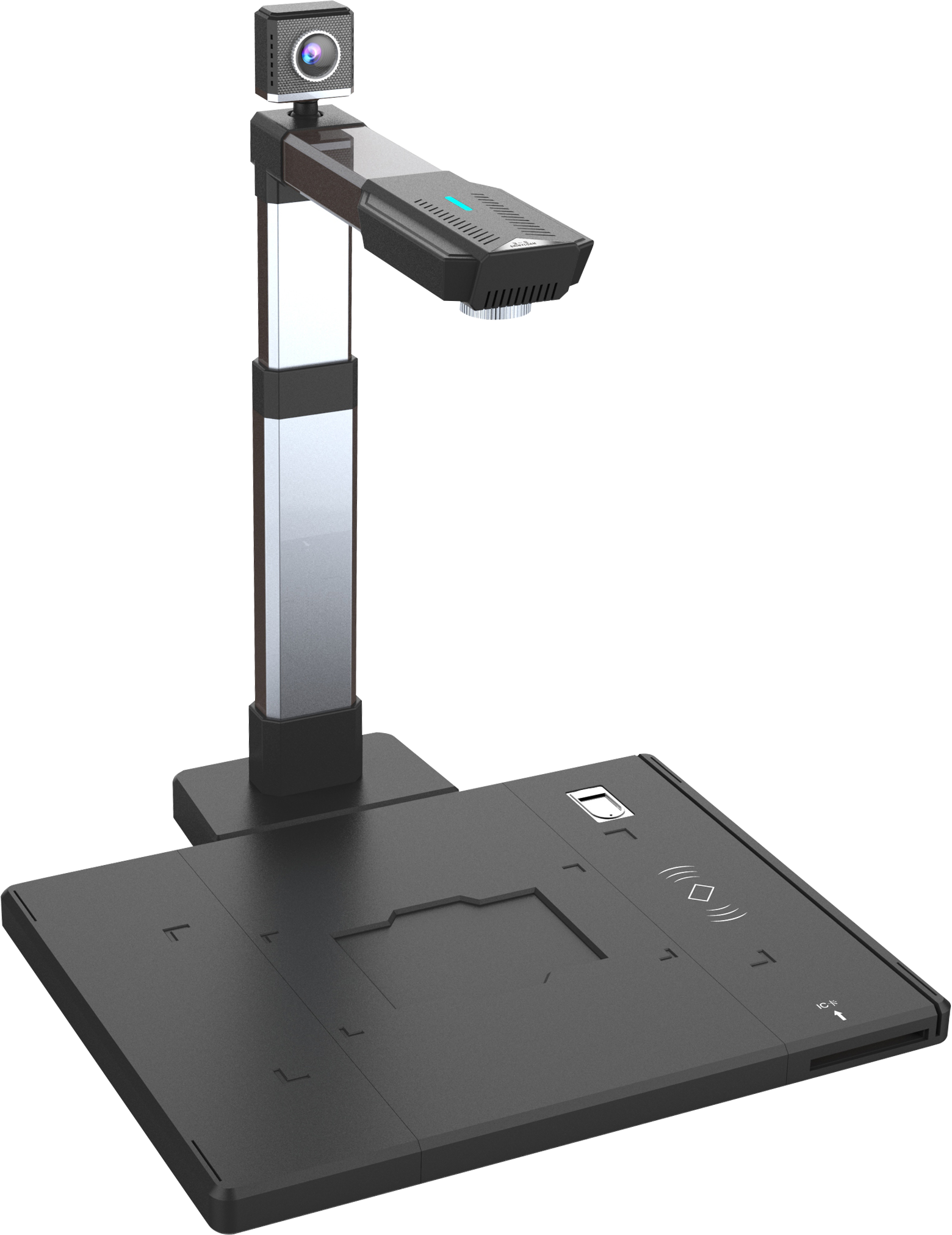
Eloam YL1020 Dual Lens USB Interface High-Speed A3 OCR 2D Code SDK Supported Multifunctional Library Document Scanner Save Time
A dual-lens A3 scanner with OCR and SDK support for high-speed library capture and code-reading workflows. SDK details should be confirmed against the target software environment.
View product detailsWhy Tokyo Buyers Need a Different Distance Learning Equipment Checklist
The Tokyo market for distance learning equipment is not a single price-driven category. Buyers include boards of education, private school groups, universities, corporate training departments, cram schools and AV system integrators. They evaluate whether a document camera or scanner fits an existing classroom display, whether teaching staff can use it without long training, whether OCR is available for the required languages, and whether the supplier can support samples, documentation and after-sales follow-up.
For a China distance learning equipment supplier and exporter, the strongest proposition is not a page of megapixels. It is deployment risk reduction: proving factory capability, matching the right capture area to the lesson format, confirming local power and software requirements, and supporting a controlled Tokyo pilot before a larger school or distributor rollout.
This guide adds procurement information that is often missing from catalogue pages. It maps eight products to Tokyo use cases, highlights local trends such as GIGA School device environments and hybrid lesson capture, and lists the sample, compatibility and documentation questions that local buyers commonly ask before a tender or first purchase order.
Tokyo procurement lens
- ✓Classroom display compatibility: confirm USB/HDMI workflow, driver requirements and how the visualizer connects to the display or PC in each room.
- ✓Japanese-language readiness: ask for OCR language coverage, user interface availability and software documentation for selected models.
- ✓Tokyo power and plug: Tokyo uses 100V/50Hz. Confirm adapter input, plug type and whether the model is USB bus-powered for simpler deployment.
- ✓Pilot before rollout: test in a real classroom or meeting room with the actual PC, display, network and document sizes used by end users.
- ✓After-sales route: clarify warranty, spare parts, firmware updates and whether support runs through the distributor, system integrator or factory.
Where Document Cameras and Scanners Fit Tokyo Distance Learning
Local buyers rarely purchase “a camera” in isolation. They purchase a repeatable way to show paper, objects and books to remote learners while keeping in-room teaching natural.
K–12 blended lessons
Teachers can place textbooks, handwritten worksheets and science experiment materials under a visualizer while remote students watch. A3 models such as V801A3AF and 4K VE1300A3AF suit larger worksheets and detailed demonstration.
University lecture capture
For language classes, engineering diagrams and archive-based research, a document camera adds a stable overhead view. Book scanners such as BS3000P support libraries that need non-destructive digitization of bound volumes.
Corporate distance training
Training teams can demonstrate contracts, product samples, operating instructions and process diagrams over a USB visualizer. Portable Type-C models simplify hot-desk rooms and multi-floor training facilities.
Boards, archives and offices
School offices and municipal teams often need searchable copies of forms, notices and meeting documents. A3 USB scanners with OCR and continuous scanning can reduce manual filing and support digital preservation projects.
Four Trends Shaping Distance Learning Equipment Demand in Tokyo
These trends influence specification choices more than raw resolution alone. They also explain why a supplier with OEM/ODM flexibility and documented quality controls has an advantage in distributor-led projects.
Device-per-student environments
GIGA School-style device programmes have made classrooms more digital, but paper remains central to daily teaching. The visualizer becomes the bridge that converts textbook pages and handwritten work into content for tablets, displays and remote learners.
Hybrid classrooms need simple setup
Teachers do not want a complex AV workflow in every lesson. USB plug-and-play, wireless flexibility, 30FPS live video and fast document capture are valued because they reduce setup time and support spontaneous teaching moments.
Integration with displays and software
Tokyo buyers often evaluate the visualizer as part of a classroom system: PC, interactive display, conferencing software and learning platform. SDK availability on selected models can help system integrators add capture functions into local applications.
Procurement evidence matters
School groups and public-sector buyers increasingly ask for factory verification, certifications, sample testing and clear after-sales routes. An exporter that can show Intertek onsite verification, ISO 9001 and product certifications reduces supplier qualification time.
Tokyo Buyer Selection Matrix: Match the Model to the Deployment
Use this comparison to shortlist models before requesting samples. The final configuration should still be confirmed with the factory because OCR, SDK, operating system and accessory bundles can vary by model and order.
| Tokyo use case | Recommended model | Capture area | Tokyo deployment note | Why shortlist it |
|---|---|---|---|---|
| School office scanning | ELOAM A3 10MP Portable Document Scanner | A3 | Check Windows 10/11 driver and scanning volume. | 1-second scan and automatic continuous scanning suit test papers and forms. |
| Library book digitization | Eloam BS3000P | A3 | Plan a book-handling trial for fragile materials. | 28MP, V-shape cradle and LCD preview support non-destructive scanning. |
| 4K classroom demonstration | ELOAM VE1300A3AF | A3 | Confirm display resolution and USB connection route. | 4K camera and 3-in-1 scanner for detailed visual demonstration. |
| Mobile teacher / hybrid class | ELOAM VH1000AF | A4 | Confirm Wi-Fi policy and USB fallback in each school. | 10MP wireless/USB portable visualizer for flexible room use. |
| OCR for school meetings | ELOAM V801A3AF | A3 | Verify OCR language list for the required documents. | A3 portable camera with OCR for office and classroom documents. |
| Compact BYOD visualizer | Eloam 5MP USB Type-C 3-in-1 | A4 | Check laptop Type-C capability and adapter needs. | 30FPS, 5MP and 3-in-1 functions for small rooms and carts. |
| Plug-and-play conference capture | ELOAM A3 High Resolution 3-in-1 | A3 | Confirm room PC and display compatibility. | USB Type-C plug-and-play for teaching and office conferences. |
| High-speed library / code reading | Eloam YL1020 | A3 | Confirm SDK and 2D code workflow before rollout. | Dual-lens, OCR and SDK-supported multifunctional scanning. |
Company Advantages Behind the Distance Learning Product Range
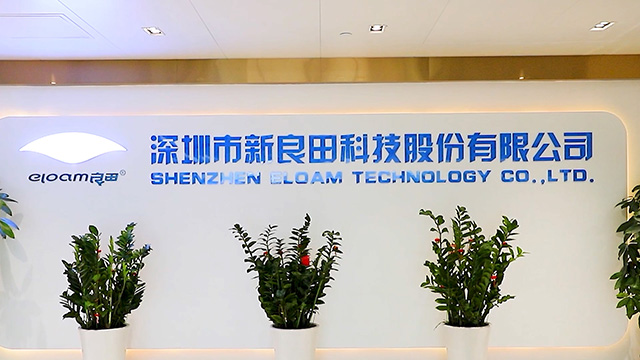
Shenzhen Hobry Technology Co., Ltd. was founded in 2005 and has developed a manufacturing and R&D base focused on document scanners, book scanners, document cameras, visualizers and portable monitor products. The company operates 8 production lines in a factory area of up to 5,000–10,000 m², with 101–200 employees and OEM/ODM services for global B2B buyers.
For Tokyo procurement, these facts matter because they shorten supplier due diligence. The factory has been verified onsite by Intertek, and the company holds ISO 9001 quality management certification, a National High-Tech Enterprise certificate and software copyright registrations. Products are CE certified, with FCC available on selected models, and the standard warranty is 1 year.
Manufacturer and exporter, not only a trading page
Founded in 2005, Hobry combines in-house industrial design, optics and firmware R&D, software, manufacturing and global sales. This structure helps Tokyo distributors and integrators discuss customization, samples and production schedules with a factory team.
OEM/ODM for school groups and local brands
OEM, ODM, design service and buyer-label service are available, including logo printing, custom packaging, housing color, firmware and software customization. An SDK is available on selected models for system integration projects.
Quality management and verified factory evidence
ISO 9001 quality management, Intertek onsite verification, a National High-Tech Enterprise certificate, software copyright registrations and CE/FCC documentation support buyer qualification. Confirm the exact certificate file required for your Tokyo tender.
OCR and document workflow support
Selected models support OCR in up to 180 languages and output formats such as PDF, JPEG and TIFF. Windows is supported across the range, with macOS on selected large-format models. Confirm Japanese OCR and driver compatibility per model before tender commitment.
Samples and practical commercial terms
Most models are available as single-unit samples for evaluation. Bulk MOQ depends on the model and customization level and is confirmed in the quotation. Payment terms include T/T, L/C, PayPal and Western Union in USD; delivery terms include FOB, CFR, CIF and EXW.
Export support for Japanese distributors
English and Chinese support, export documentation and OEM coordination help local distributors manage Tokyo projects. For deployment, confirm adapter input, plug type, spare-parts plan and after-sales responsibility before shipment.
From Tokyo Requirement to Production in Four Controlled Steps
A structured process protects both the school buyer and the local distributor. It also turns product customization into a documented project rather than an informal sample exchange.
Requirement and compliance review
Define classroom or library use case, A3/A4 capture area, operating system, connection type, OCR language needs, expected volume and any tender documentation.
Sample and localization planning
Select a base model, confirm logo, packaging, housing color, firmware or software options, and prepare a sample for a Tokyo pilot. Confirm adapter and plug requirements at this stage.
Pilot approval and quality control
Test with the actual display, PC, learning software and document types. The factory runs incoming, in-process and finished-product quality control before mass production release.
Mass production and export support
Production runs across 8 production lines, followed by export packing and documentation. Delivery can be arranged under FOB, CFR, CIF or EXW terms according to the project.
Common Questions from Tokyo Schools, Distributors and Integrators
These answers reflect the supplier information available on the product and company pages. Final specifications should always be confirmed in the quotation and sample review.
Is Shenzhen Hobry Technology a manufacturer or a trading company?
Can Tokyo buyers order samples before a bulk school or distributor order?
Do the document cameras support Japanese OCR and Windows environments?
How do we integrate a visualizer with Tokyo classroom displays and meeting-room systems?
What about Tokyo’s 100V power, plug type and product compliance?
What payment, delivery and warranty terms are available?
Build a Tokyo-Ready Distance Learning Equipment Programme
Share your target use case, capture area, expected quantity, OCR language requirement and Tokyo delivery plan. Our export team can recommend a shortlist from the eight models above and prepare a sample discussion for distributor or school evaluation.