8 Recommended Models for Multimedia Teaching, Scanning and Campus Workflows
These models cover live classroom demonstration, hybrid teaching, book and document digitization, office archiving, portable multi-screen productivity and teacher-led video capture. Product URLs are preserved for direct specification review.
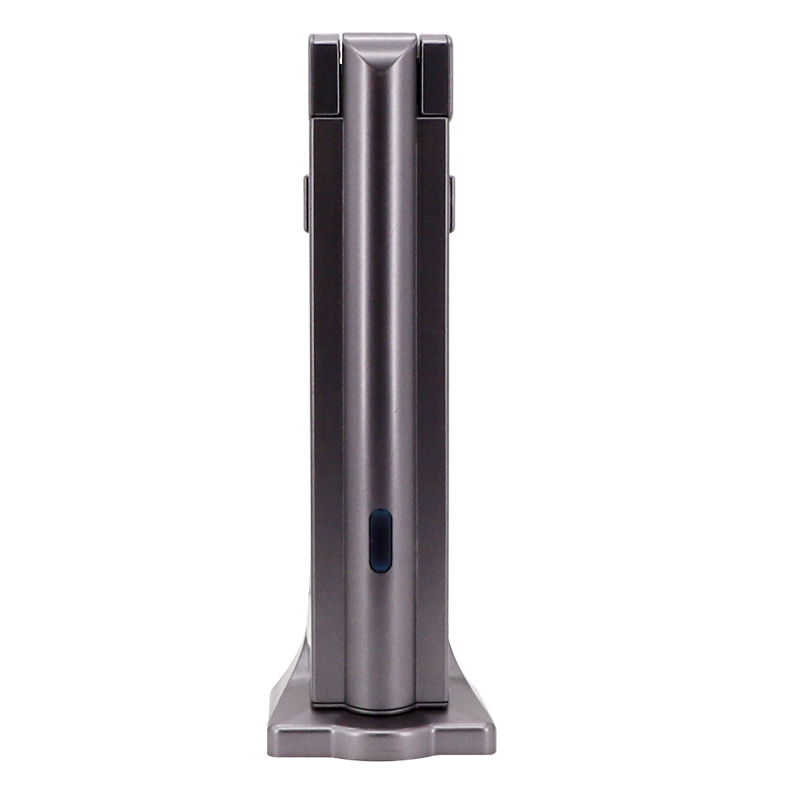
ELOAM Auto-Focus A3 10MP Portable Document Scanner USB Interface 1S Scan Speed Automatic Continuous Scanning Windows 10/11
- A3 area
- 10MP
- USB
- 1S scan
- Auto continuous
- Windows 10/11
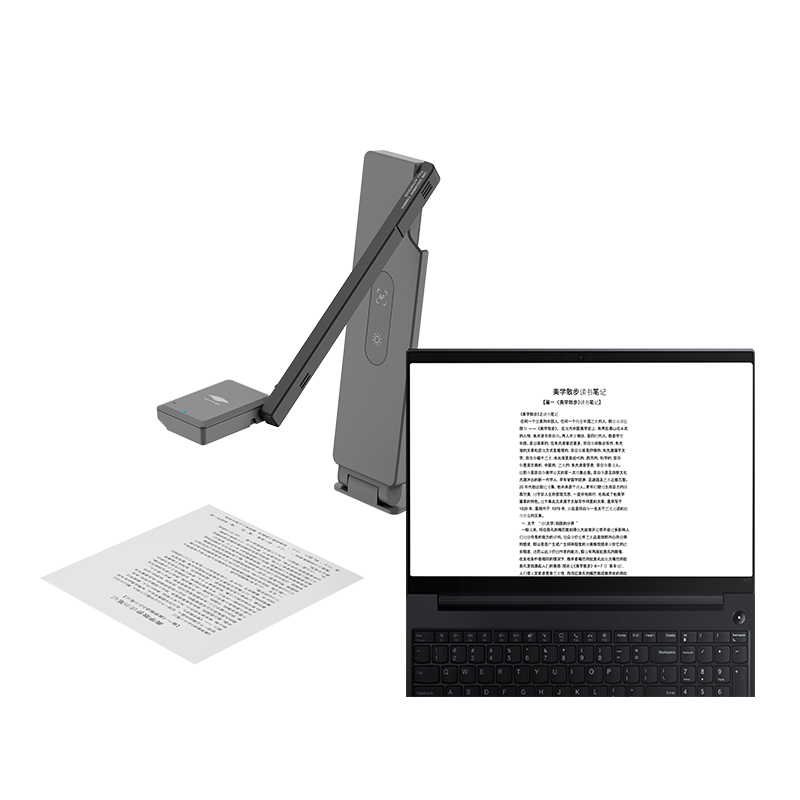
ELOAM High Resolution A3 Portable Document Scanner & Camera 3-in-1 | USB Type-C Plug Play Teaching Office Conference Use Stock
- A3
- USB Type-C
- Plug & play
- Teaching
- Conference
- Stock
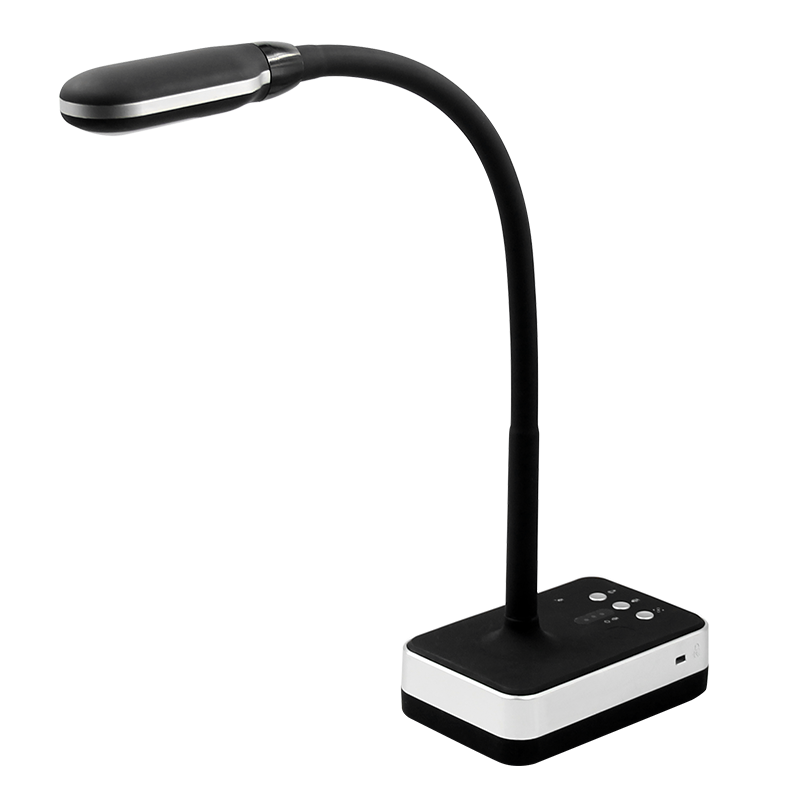
ELOAM VH1000A3AF Smart Book Scanner High Speed Portable USB Document Camera for Teachers in Stock
- A3
- Smart book mode
- High speed
- USB
- Teacher friendly
- Stock
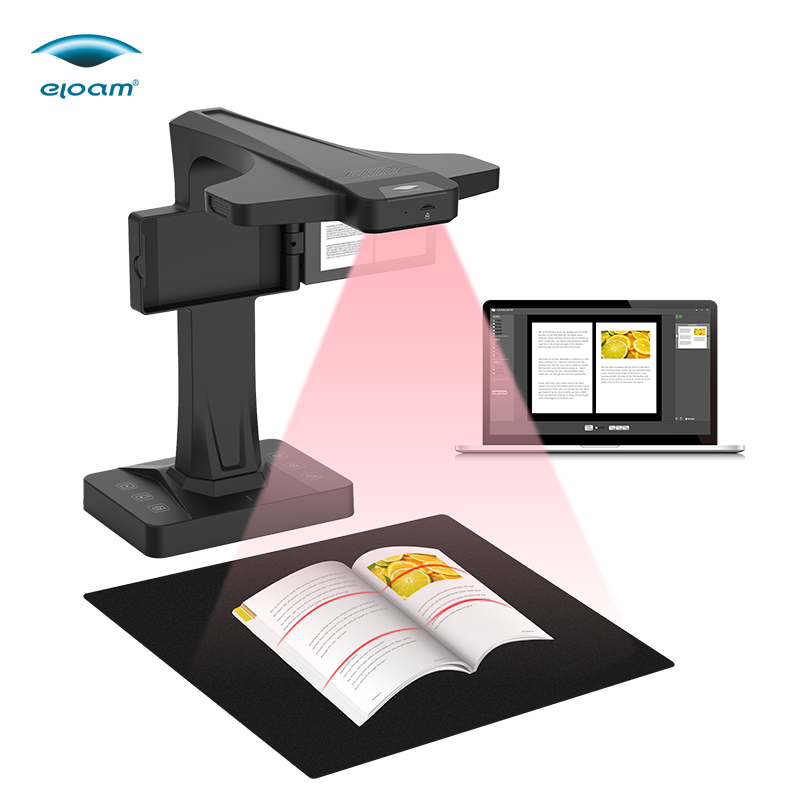
ELOAM 25MP High Speed Automatic Scanning Document Scanner with OCR USB Interface in Stock for Educational & Office Use
- 25MP
- Automatic scan
- OCR
- USB
- Education
- Office
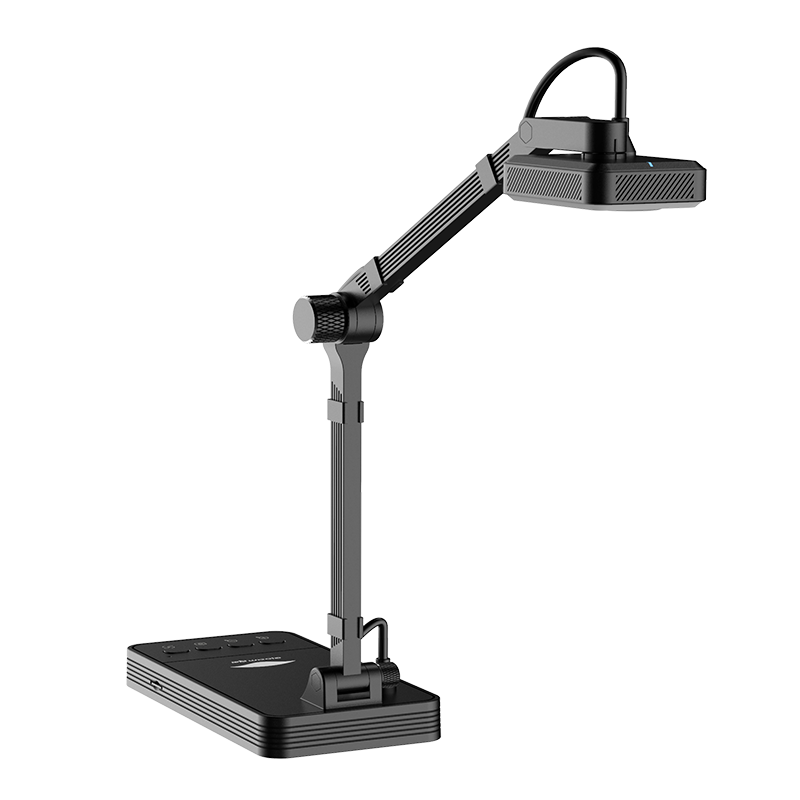
ELOAM YL1050 WIFI USB for Document Presenter A3 10MP for Teachers Distance Learning Online Teaching Video Calling Stock
- A3
- 10MP
- Wi-Fi + USB
- Distance learning
- Video calling
- Stock
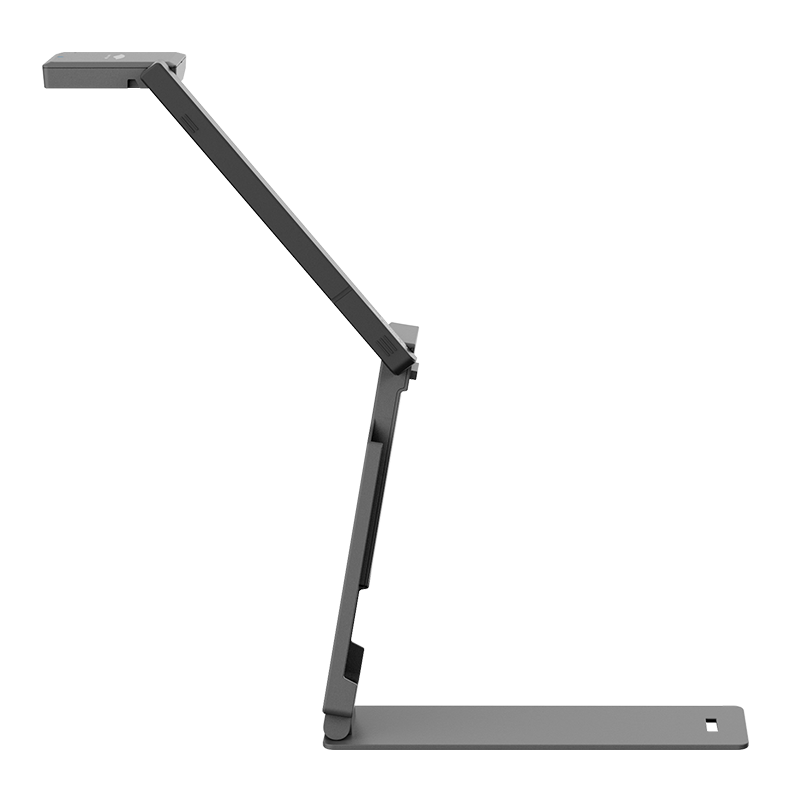
ELOAM VE1300A3AF 4K Document Camera 3-in-1 Scanner USB for Education Stock
- 4K video
- 3-in-1
- A3 area
- USB
- Education
- Stock
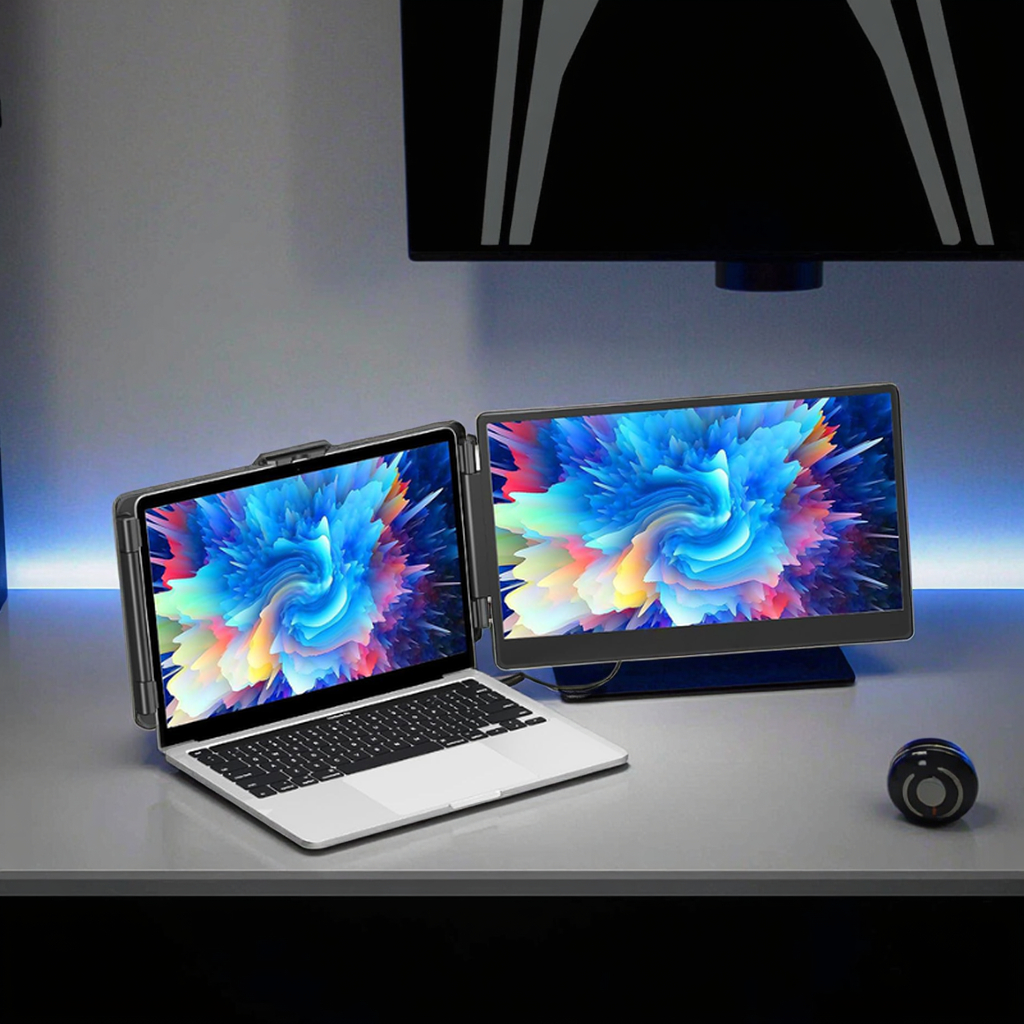
Factory Direct 14 Inch Portable IPS Panel LCD Monitor Type C Plug & Play Windows Mac 1920x1080 Resolution Business Series 60Hz
- 14 inch
- 1920x1080
- IPS panel
- Type-C
- Windows / Mac
- 60Hz
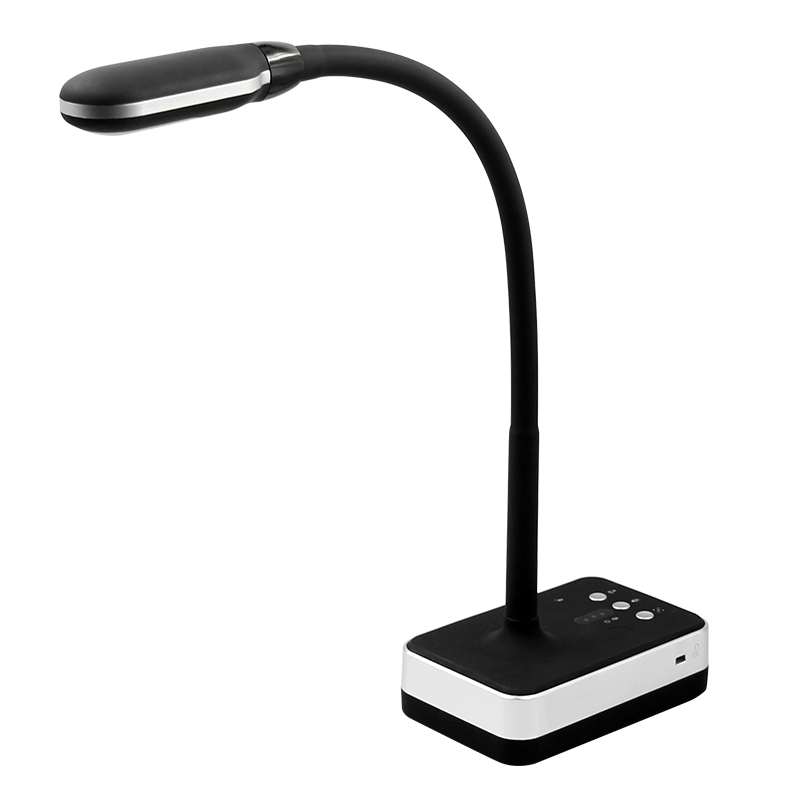
ELOAM VH800AF 8MP A4 CMOS Foldable Overhead Document Scanner with Camera & Video Recorder USB Interface in Stock
- 8MP
- A4
- Foldable
- Overhead
- Video recorder
- USB
Need a mixed-model quotation for a Manila classroom rollout, registrar digitization project or training-center upgrade?
Get a QuoteWhat Manila Buyers Are Really Searching For When They Compare Multimedia Teaching Equipment Manufacturers
The phrase “multimedia teaching equipment” hides several different buying intents. A school in Quezon City may need a visualizer for live demonstration, while a registrar office in Manila may need an A3 scanner for records, and a BPO training room in Makati may prioritize portable monitor productivity.
For semantic search and procurement clarity, it helps to separate the market into five practical clusters: document cameras for classroom demonstration, visualizers for hybrid and distance learning, A3/A4 document scanners for records digitization, book scanners for libraries and archives, and portable monitors for mobile teaching and training setups. Each cluster has different acceptance criteria. A buyer comparing only megapixels will miss lens quality, focus speed, software compatibility, power protection, after-sales response and teacher training — the factors that decide whether equipment is actually used after delivery.
Metro Manila’s operating environment adds specific requirements. Many campuses combine projectors, TVs, laptops, tablets and shared computers; rooms are often multi-purpose; buildings may have limited storage; and the tropical climate makes dust, humidity and stable power part of the deployment plan. A credible manufacturer should help buyers test these conditions, not just ship a carton. This is where factory experience matters: Shenzhen Hobry Technology Co., Ltd. has manufactured imaging hardware since 2005, runs 8 production lines, and supports OEM/ODM customization for education and office channels.
From an E-E-A-T perspective, the strongest supplier is not the one with the loudest claim. It is the one that can provide model-level specifications, certifications, factory verification, sample evaluation, software compatibility notes and a clear warranty path. That evidence-first approach is especially important for private schools, universities, local government units and training centers that must justify the purchase to management, finance and technical committees.
Where These Products Fit Across Metro Manila
Product selection should follow the workflow, not the other way around. These are the most common deployment scenarios for schools, training centers, offices and public-service counters.
K–12 classrooms in Quezon City, Caloocan and Manila
Teachers can place a worksheet, science specimen or textbook under a document camera and project it instantly. Models such as the YL1050, VH1000A3AF and VE1300A3AF support live demonstration, online teaching and video calling, which is useful when classrooms alternate between in-person and remote learners.
Universities and colleges in Manila, Makati and Pasig
Lecture halls and laboratories need sharp visual detail for engineering drawings, biology samples, circuit boards and small print. A 4K document camera or a 13MP/10MP visualizer can feed a projector, capture card or video-conference session. Portable monitors also help faculty work across shared offices and multi-screen lesson preparation.
TESDA-accredited training centers and review hubs
Short courses and review sessions often require close-up demonstration of forms, tools, diagrams or practical assessments. A foldable overhead scanner or A3 portable scanner can capture attendance sheets, certificates and assessment evidence while remaining easy to store in compact training rooms.
Registrar, admissions and records units
Registrar teams handle transcripts, IDs, admission forms, contracts and supporting documents. The ELOAM 25MP high-speed scanner with OCR and the A3 10MP portable scanner help convert paper records into PDF, JPEG or TIFF files. Buyers should test English and multilingual documents, especially where names, addresses and handwritten notes vary.
Libraries, museums and archival collections
Bound books and fragile documents require non-destructive capture. Smart book scanner features, book-mode software and careful page handling reduce stress on spines and preserve collections. For high-volume library digitization, a dedicated book scanner should be evaluated separately from a general office scanner.
BPO training rooms, LGU counters and corporate learning
Training teams need practical demonstration, screen extension and document capture for audits or enrollment. A 14-inch portable IPS monitor can turn a laptop into a dual-screen workstation during training sessions, while a document camera or overhead scanner supports policy walkthroughs, ID verification and service-counter documentation.
Manila Market Trends Shaping 2025–2026 Procurement Decisions
Manila buyers remain price-aware, but the stronger shift is toward total cost of ownership, hybrid-ready teaching, documented supplier verification and space-efficient equipment that can serve multiple rooms.
HyFlex and blended teaching
Schools increasingly need a camera that works for the room projector and the online learner at the same time. Live video, clear focus and simple USB connectivity matter more than unused features.
Evidence-first due diligence
Procurement teams ask for ISO 9001, CE/FCC status, software copyrights, factory verification and model-level compatibility. Sellers that provide documentation early shorten the evaluation cycle.
Space-efficient teaching kits
Foldable visualizers, portable scanners and lightweight monitors fit shared faculty rooms and multi-purpose classrooms. Mobility and fast setup can be more valuable than a fixed installation.
TCO and service coverage
Warranty terms, spare parts, teacher training, power protection and response time affect the real cost. Buyers are asking for deployment checklists, not just unit prices.
Bars are planning indicators for discussion, not statistical market forecasts. Actual priorities vary by institution, budget cycle and procurement rules.
Match the Buying Intent to the Right Model
Use this matrix as a first-pass filter. Final selection should be confirmed with sample testing, software compatibility checks and a quotation that reflects the required accessories, warranty and training.
| Buyer intent | Recommended model | Why it fits | Manila deployment note |
|---|---|---|---|
| Teacher live demonstration | ELOAM VH1000A3AF | Portable USB document camera with smart book mode and high-speed capture for classroom use. | Test with the room projector and teacher laptop; confirm cable length and mounting space. |
| Hybrid and online teaching | ELOAM YL1050 | A3 10MP visualizer with Wi-Fi and USB for distance learning, online teaching and video calling. | Evaluate Wi-Fi stability in dense classrooms and confirm fallback USB operation. |
| 4K lesson capture | ELOAM VE1300A3AF | 4K document camera, 3-in-1 scanner and USB education device for detailed visual content. | Confirm display, capture-card and conferencing compatibility before large rollout. |
| High-volume records scanning | ELOAM 25MP OCR scanner | High-speed automatic scanning with OCR for education and office digitization. | Test real registrar forms, IDs and mixed paper sizes; validate OCR language needs. |
| A3 office and counter scanning | ELOAM Auto-Focus A3 10MP | 1S scan speed, continuous scanning and Windows 10/11 support for desks and service counters. | Check counter footprint, power outlets and staff training time. |
| Book and document capture | ELOAM VH800AF | 8MP A4 CMOS foldable overhead scanner with camera and video recorder function. | Useful for compact spaces; confirm A4 versus A3 needs before ordering. |
| 3-in-1 teaching and conference use | ELOAM High Resolution A3 3-in-1 | USB Type-C plug-and-play scanner and camera for teaching, office and conference use. | Verify Type-C/HDMI adapter requirements across mixed device fleets. |
| Mobile multi-screen work | 14-inch portable IPS monitor | 1920x1080 business-series portable display with Type-C plug and play for Windows and Mac. | Review power draw, stand stability and travel case needs for field trainers. |
A 7-Day Pilot Protocol for Manila Educational Buyers
Specification sheets cannot predict how equipment behaves in a warm, busy, multi-device campus. A short structured pilot gives procurement teams evidence for the award decision and exposes integration risks before bulk delivery.
Day 1–2: Environment test
Test the device at 9 a.m. and 3 p.m., under projector lighting and near windows. Check warm-up, focus stability, fan noise and dust exposure. Use surge protection or an AVR/UPS where power quality is a concern.
Day 3–4: Workflow test
Scan at least 100–200 representative pages or run 3–5 live lessons. Include handwritten notes, IDs, folded forms, English and multilingual documents. For OCR, compare output quality against actual staff correction time.
Day 5: Teacher and staff training
Ask actual users, not only IT staff, to set up and operate the equipment. Observe whether teachers can switch between document display, video call and annotation without a manual. Note training time and common errors.
Day 6–7: TCO and service review
Compare warranty terms, spare-parts availability, local service arrangements, response time, packaging for multi-island shipping and replacement process. A lower unit price can be more expensive if downtime blocks enrollment or classes.
An Imaging Manufacturer Built for B2B and Institutional Projects
Shenzhen Hobry Technology Co., Ltd. is a manufacturer with an integrated export function. Founded in 2005, the company develops and manufactures high-speed portable document scanners, book scanners, document cameras, visualizers and portable extender monitors. The factory has been verified onsite by Intertek, and the company holds ISO 9001 quality management certification, a National High-Tech Enterprise certificate, software copyright registrations and related intellectual property.
For Manila buyers, the advantage is not simply factory pricing. It is the ability to align a product series to the project: scan area, resolution, OCR language support, USB or Wi-Fi connectivity, software behavior, packaging, logo, housing color and user documentation. OEM, ODM, design service and buyer-label service are available, and an SDK is available on selected models for system integration.
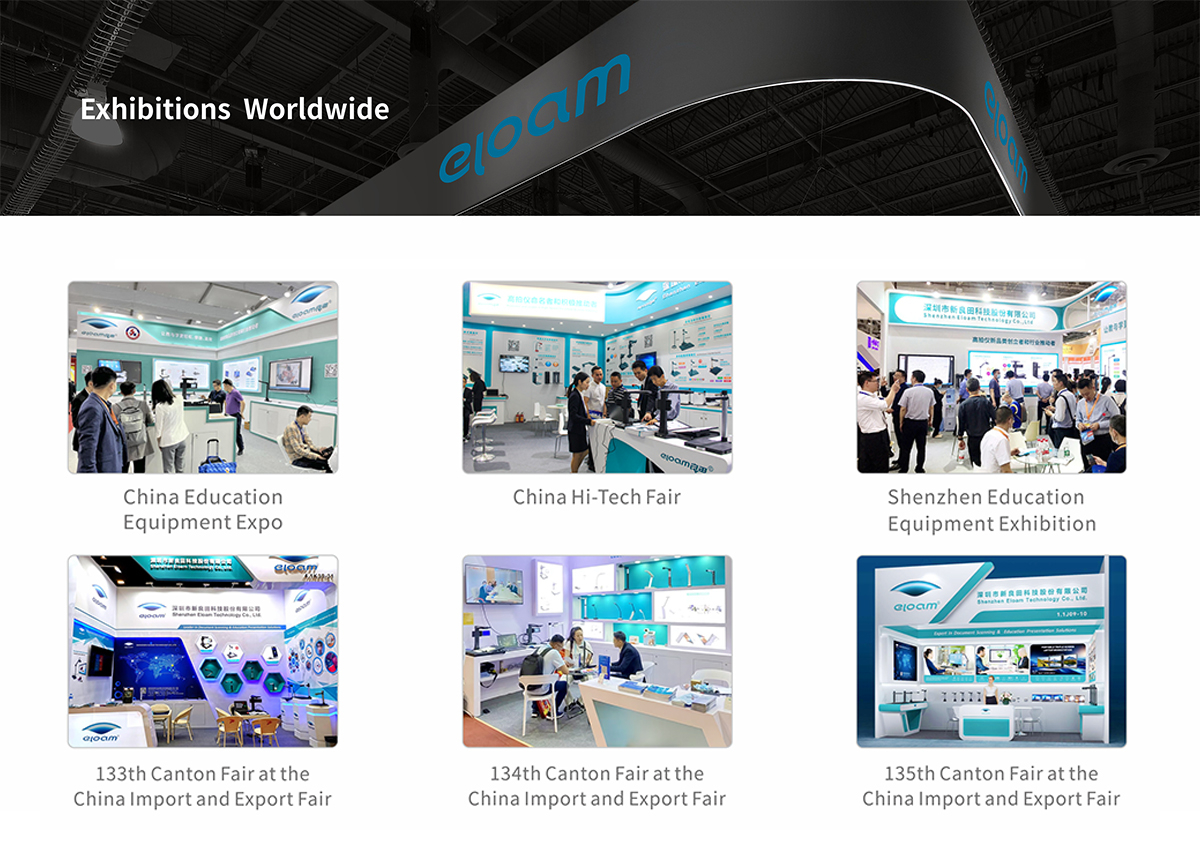
Verification Data and Certifications Buyers Can Request
For school boards, purchasing officers and system integrators, documentation is part of product quality. Request current files for the exact model and confirm every claim in the final quotation.

Intertek-verified factory
Premises, production capability, quality control and legal status can be reviewed through third-party onsite verification. Ask for the current assessment report and confirm the legal entity name.
ISO 9001 & high-tech enterprise
Quality management and innovation credentials support supplier qualification. Buyers should verify certificate scope, validity date and issuing body for their own procurement file.
CE / FCC and software copyrights
Products are CE certified, with FCC available on selected models. Software copyright registrations and patents help demonstrate software ownership and long-term development capability.
Trade capacity & records
Transaction level, trade history, credit index and buyer reviews can help a Manila procurement team judge consistency. Ask for references relevant to schools, offices or distribution channels.
Manila Procurement FAQ
These are the questions commonly raised by schools, training centers, distributors and project integrators before a first order or a repeat institutional purchase.
Are you a manufacturer or a trading company?
Which models are best for a Manila school with mixed laptops and projectors?
Can we order samples before a large school or LGU order?
How should we handle humidity, dust and power fluctuations in Metro Manila?
Do you offer OEM and ODM for education distributors and system integrators?
What shipping, payment and delivery terms apply to Manila?
What certifications and after-sales terms can we present to procurement?
How do we confirm OCR language and software compatibility?
Request a Manila-Ready Configuration and Quotation
Share your scan area, quantity, subject mix, target users, software environment and delivery schedule. Our team can recommend the right document camera, visualizer, A3 scanner, book scanner or portable monitor configuration and support your sample evaluation, OEM/ODM discussion and procurement documentation.
Get a Quote