Document Camera Stand Factories & Factory for Kawasaki
Factory-direct stands, flexible arms and visualizers for Kawasaki schools, municipal offices, libraries and industrial inspection teams. Compare eight export-ready models and request a localized configuration review.
Inquire NowEight Document Camera & OCR Scanner Models for Kawasaki Projects
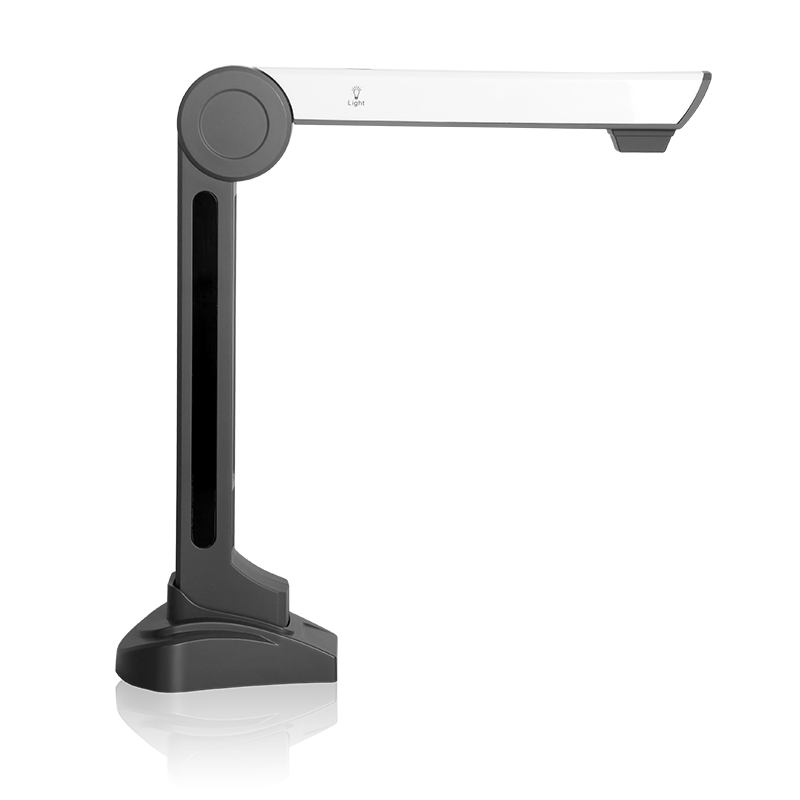
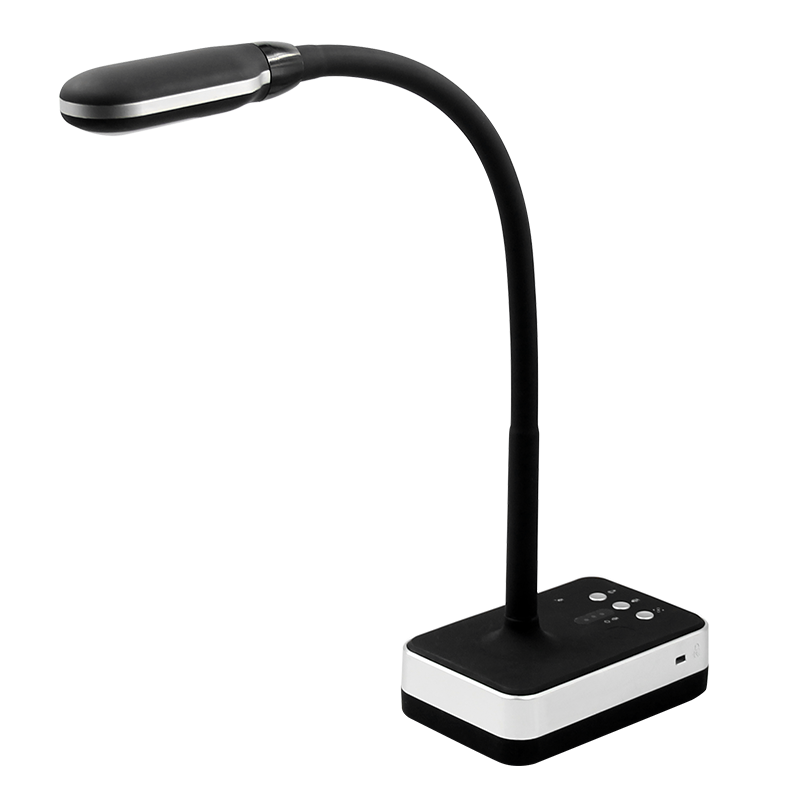
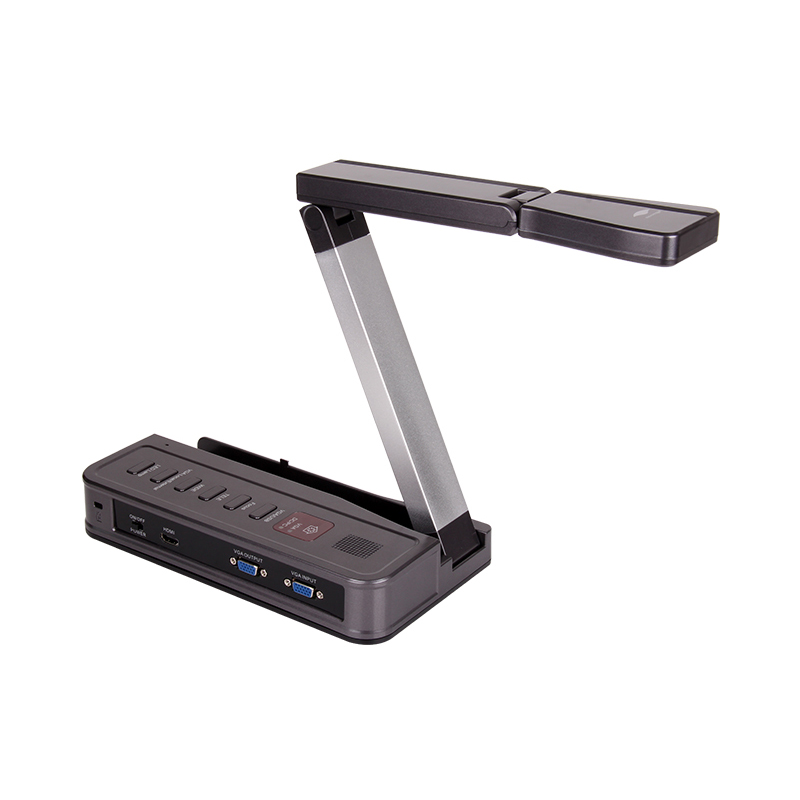
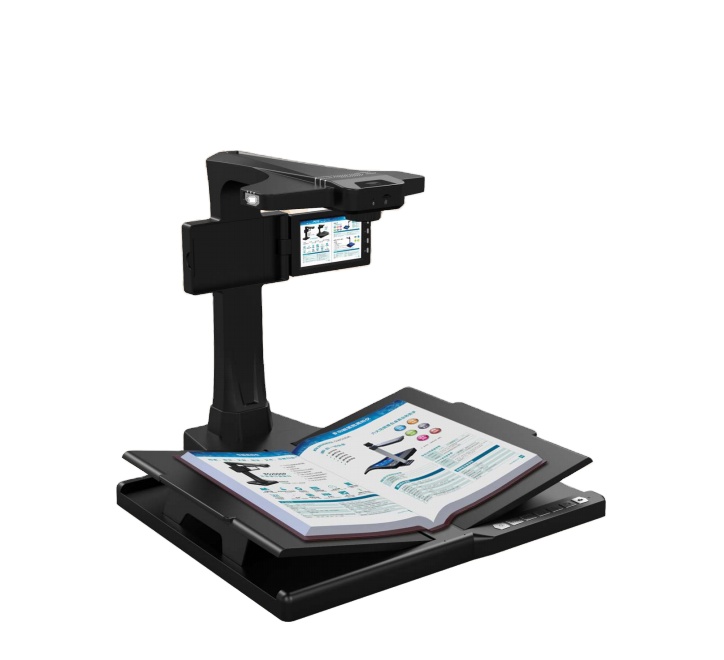
Start with the room, document size, table depth and workflow, then confirm the camera, arm, OCR language pack and accessories. Every product below links directly to its live product page; for Kawasaki-bound tenders, include your scan size, quantity and target delivery port in the inquiry.
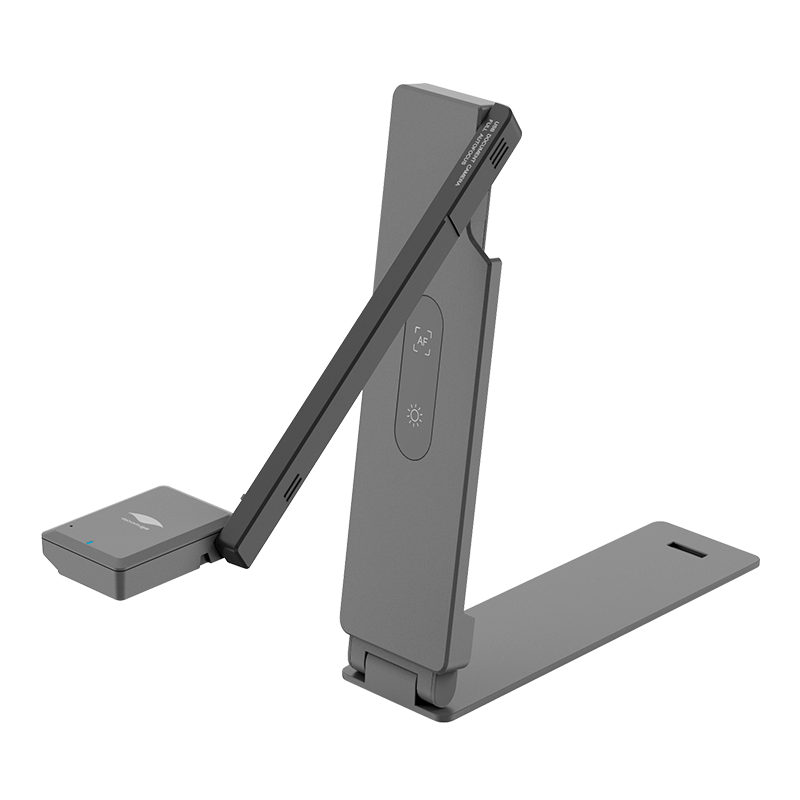
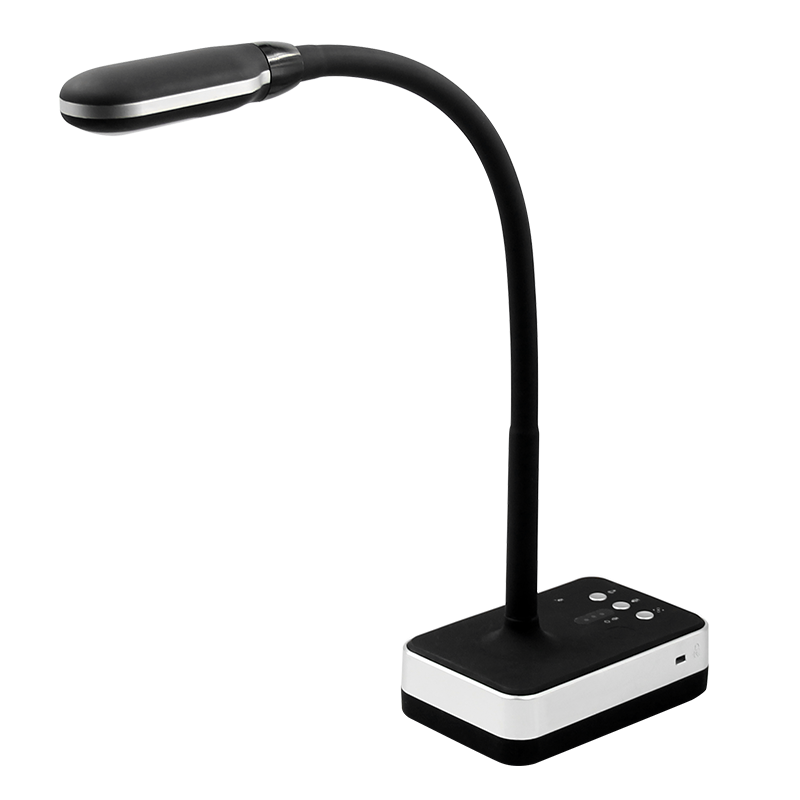
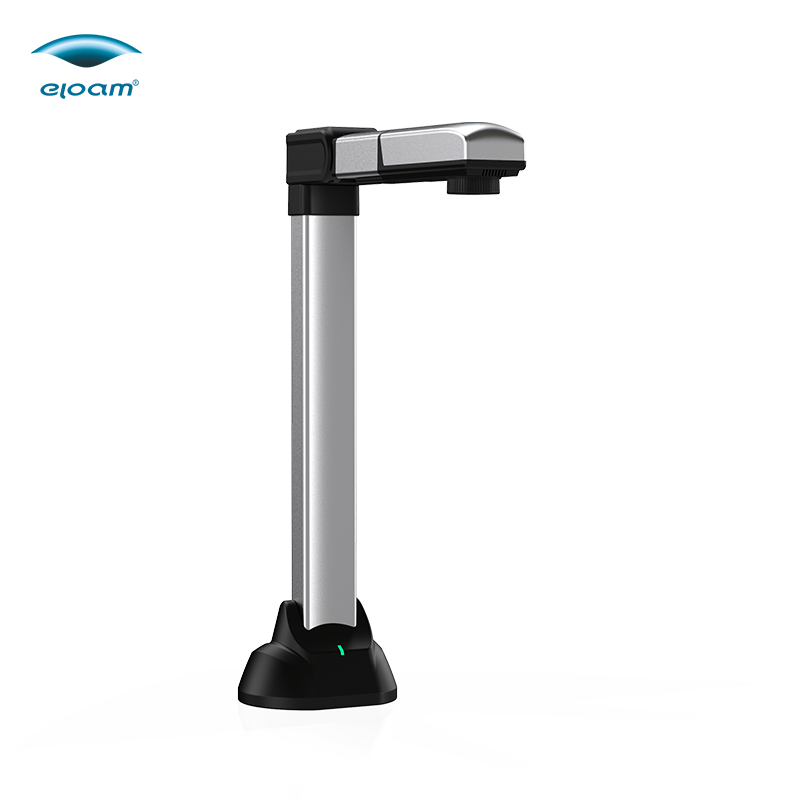
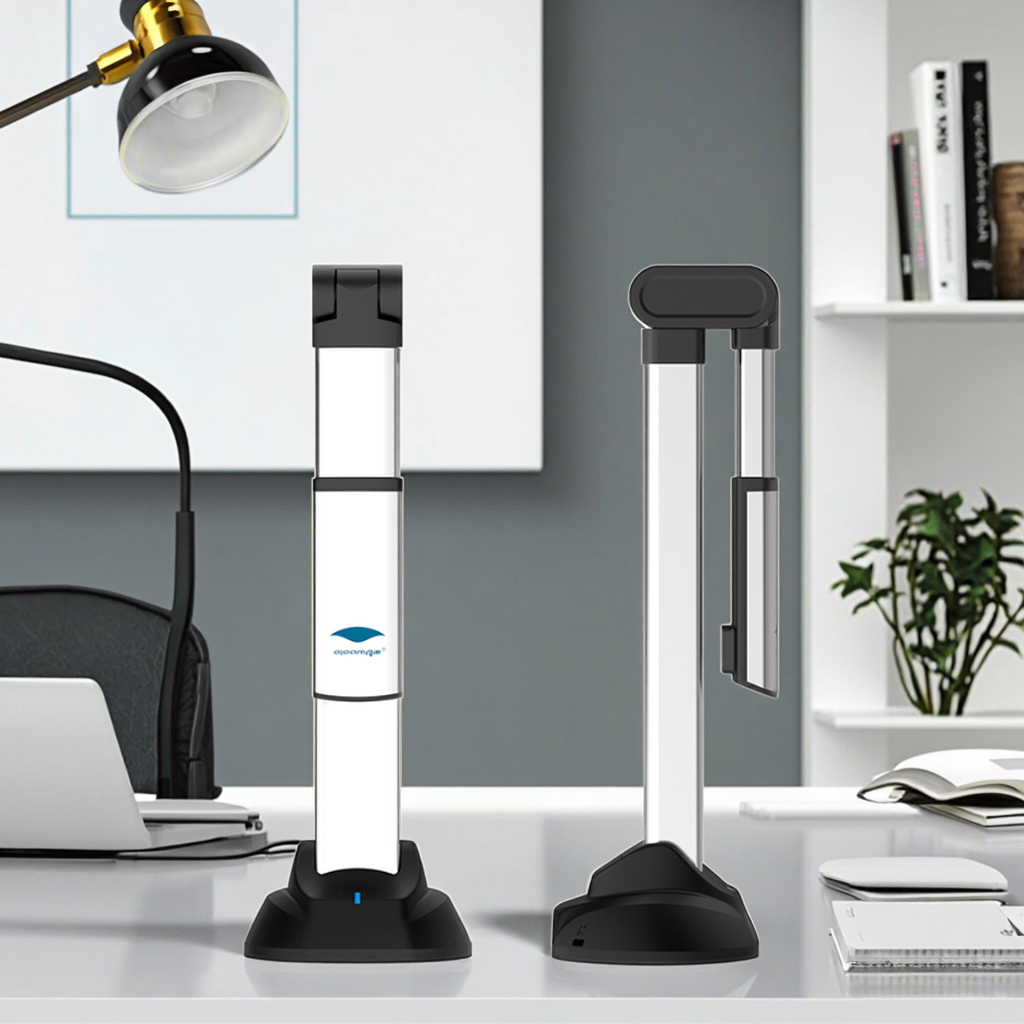
Manufacturing Capacity Behind the Stand and Camera System
Kawasaki buyers are not only purchasing a camera head. They are qualifying a factory that can control stand mechanics, camera alignment, firmware, packaging and after-sales documentation as one system.
Why Kawasaki Buyers Shortlist This Document Camera Stand Factory
Shenzhen Hobry Technology Co., Ltd. combines document camera, document scanner, book scanner and portable monitor manufacturing with OEM/ODM engineering. The strongest fit for Kawasaki-facing projects is the ability to coordinate hardware, stand mechanics, software and export documentation under one supplier relationship.
Manufacturing Since 2005
Founded in 2005, the company operates as a manufacturer and exporter rather than a pure trading company. That matters when a Kawasaki distributor needs stable production, repeat orders and engineering feedback instead of one-off sourcing.
In-House R&D and Engineering
Industrial design, optics, firmware, software and production are handled around the same product system. For document camera stands, this shortens the path from a table-height requirement to a sample with the right arm reach, friction feel and camera field of view.
OEM / ODM and SDK Support
OEM, ODM, buyer-label service and design service are available, including logo, packaging, housing color, firmware and software customization. An SDK is available on selected models for system integration with school, archive or counter workflows.
Intertek-Verified Operations
The factory has been verified onsite by Intertek. Assessment, trade capacity, transaction level and trade history resources can be reviewed during supplier due diligence, which reduces the documentation burden for Kawasaki procurement teams.
Quality Records and Certifications
The company holds ISO 9001 quality management certification, a National High-Tech Enterprise certificate and software copyright registrations. Products are CE certified, with FCC available on selected models; Japan-specific requirements should be confirmed per configuration.
Export Terms Built for Projects
Accepted payment terms include T/T, L/C, PayPal and Western Union in USD. Delivery terms include FOB, CFR, CIF and EXW. Most models can be sampled before bulk orders, and bulk MOQ is confirmed against model and customization level.
Kawasaki Use Cases Where the Stand, Arm and Camera Matter Together
Kawasaki projects often involve multiple users, shared rooms and mixed document sizes. A product that performs well on a specification sheet may still fail if the stand drifts, the cable is stressed, or the teacher cannot set it up quickly between classes.
Kawasaki City Classrooms and GIGA-School Lessons
Teachers need an A3 visualizer that can show textbooks, worksheets and science demonstrations without a long setup. Flexible-arm or portable stands help move the camera between desks, while USB connectivity and 30FPS live video support hybrid lessons and classroom displays. Stable friction and simple height adjustment are more important than decorative design.
Public Libraries and Local Archives
For bound books, the stand is secondary to the cradle and page-curve control. A V-shape book scanner such as the BS3000P is more appropriate than a general-purpose document camera arm when the task includes preserving fragile pages, capturing 28MP detail and previewing each spread on an LCD screen before saving.
Municipal Service Counters and KYC
Counter workflows require fast capture of forms, ID cards, passports and supporting documents. Compact document cameras with OCR and SDK integration can reduce manual keying, but the arm must stay rigid over the capture area and the base must not slide on a polished counter. For Kawasaki-facing system integrators, SDK documentation and Windows compatibility should be checked with the exact model.
Advanced Manufacturing and Inspection
Kawasaki’s industrial and engineering teams often inspect drawings, parts, labels and training samples. An A2 auto-focus model such as the Eloam A2 large-format scanner helps when the document is larger than A3, while a fixed overhead arm gives repeatable framing. High-resolution capture and controlled lighting reduce rework when images are shared with remote engineers.
Clinics, Hospitals and Training Rooms
Medical and care training rooms benefit from a portable 3-in-1 visualizer that can show documents, small devices or printed instructions on a large display. Easy disinfection of contact surfaces, cable management and a stable base are practical requirements. USB-powered models can also simplify use where fixed 100V outlets are limited.
Hybrid Meetings and Teacher-Training Studios
In meeting rooms and training studios, the camera is often used for handouts, sketches and live annotation. A foldable document camera and a compact stand are easier to store than a fixed visualizer. When the Kawasaki buyer also supports remote staff, portable monitors and visualizers can be bundled for a complete collaboration kit.
Kawasaki-Facing Trends in Document Camera & Stand Procurement
The following trends are a practical reading of education, municipal and industrial document-capture requirements for Kawasaki-facing channels. They are intended to guide RFQ questions, not to replace local market research.
From Fixed Visualizers to Movable, Flexible Stands
Shared classrooms and multi-purpose rooms reward equipment that can be repositioned quickly. Flexible-arm stands and portable visualizers reduce installation friction compared with ceiling or fixed-wall systems, but they require better friction control, base stability and cable strain relief from the factory.
OCR and Searchable Records Become Workflow Requirements
Kawasaki schools, municipal offices and integrators increasingly ask not only for image capture but also for OCR output, searchable PDFs and SDK access. Selected models support OCR in up to 180 languages and output to PDF, JPEG or TIFF; buyers should request a Japanese-language sample test before confirming the model.
Non-Destructive Digitization Protects Local Collections
Libraries, archives and historical collections require page-curve correction and gentle handling. A V-shaped cradle, preview screen and high-resolution sensor are more relevant than a simple document camera arm. For Kawasaki archive projects, ask for sample scans of bound books with curved pages and fine print.
USB-C, 30FPS and Faster Teacher Onboarding
Hybrid environments favor quick-connect hardware. USB-C or USB bus-powered cameras, 30FPS live motion and clear quick-start instructions reduce support calls. Factories that can supply localized packaging, simple setup cards and spare accessories are easier for Kawasaki distributors to support after installation.
Kawasaki Buyer Selection Weights: A Practical RFQ Scoring Aid
This is a planning model for requirement discussions, not a market statistic. Adjust the weights for each Kawasaki school, office, library or industrial project.
How to Audit Document Camera Stand Factories Before a Kawasaki Rollout
Stand quality is rarely visible in a product photo. A reliable document camera stand requires controlled friction, spring or counterbalance design, base stability, cable routing and repeatable optical alignment. When Kawasaki buyers audit document camera stand factories, they should ask for test evidence rather than catalogue language.
A practical factory review should separate the stand from the camera. The stand determines daily usability; the camera determines image quality; the firmware and software determine whether the installation fits the customer’s workflow. A supplier that can discuss all three is better prepared for school, municipal and industrial projects.
- Ask for a documented arm-cycle target, drift limit under load and base-slip test on a typical desk surface.
- Check cable bend radius and strain relief at the pivot, because USB cable failure often appears after repeated height adjustment.
- Confirm optical alignment after assembly, including focus consistency at A3, A4 and A2 positions where supported.
- Request Japanese OCR sample output, PDF/JPEG/TIFF settings and SDK documentation for the exact model.
- Review packaging drop protection, accessory lists, spare-part availability and one-year warranty terms.
| Kawasaki Use Case | Recommended Model | Capture Area | Why It Fits | Stand / Configuration Note |
|---|---|---|---|---|
| Classroom A3 demonstration | VE1020A3AF | A3 | 8MP 3-in-1 visualizer for lessons, documents and projection | Flexible arm or portable stand; confirm USB cable length and display connection |
| Teacher mobility and book pages | VH1000A3AF | A3 | Portable smart book scanner with USB document camera design | Lightweight stand or folding arm; quick-start label for shared classrooms |
| Hybrid lessons and travel | 5MP 3-in-1 USB-C | A4 | 30FPS live motion, USB Type-C and compact 3-in-1 use | Compact desktop stand; check adapter requirements for the host device |
| Municipal OCR workflow | VH802A3AF | A3 | 8MP OCR scanner for forms, records and office archiving | Fixed overhead stand; cable management for counter installation |
| Library and archive digitization | BS3000P | A3 | 28MP V-shape book scanner with LCD preview and CMOS capture | Dedicated V-cradle rather than a simple arm; train staff on page handling |
| Engineering drawings and A2 documents | Eloam A2 Auto Focus | A2 | 18MP CMOS, 5184×3456 resolution and USB LED light source | Large-format overhead stand; confirm base footprint against the inspection table |
| Portable field documentation | S500P | Portable | 5MP OCR document scanner with USB SDK for school and office use | Travel stand; protect the pivot and lens during transport |
| High-resolution book capture | Portable A3 OCR | A3 | 5184×3456 high-speed automatic book document scanner with OCR | Adjustable stand plus page flattening accessory; test curved pages |
From Kawasaki Requirement to Shipment in Five Controlled Steps
For distributors, integrators and private-label buyers, the most efficient factory is the one that can review the stand, camera, firmware and documentation together before mass production.
Requirement Review
Scan size, table height, arm reach, OCR language, interface and target market compliance.
Design & Engineering
Housing, logo, stand feel, firmware, SDK and packaging customization.
Sample Approval
Pre-production samples tested against your Kawasaki acceptance criteria.
Mass Production
Eight production lines with incoming, in-process and finished-product quality control.
Delivery & Support
FOB, CFR, CIF or EXW shipment, plus after-sales technical support.
Due-Diligence Items Kawasaki Buyers Can Verify
Transparency shortens supplier qualification. Use the factory profile, certification list and product samples together rather than relying on a single document.
ISO 9001
Quality management system certification supports repeat-order consistency.
CE / FCC
CE is stated for products; FCC is available on selected models. Confirm the exact SKU.
High-Tech Enterprise
National High-Tech Enterprise status reflects in-house technology development.
Software Copyrights
Software copyright registrations support OEM software and SDK discussions.
Questions Kawasaki Buyers Ask Before Ordering Document Camera Stands
These answers are written for schools, municipal offices, libraries, distributors and system integrators comparing a factory-direct document camera or visualizer project.
Are you a document camera stand factory or a trading company?
Can you supply document cameras and stands to Kawasaki?
What stand and arm options can be customized for a Kawasaki project?
Which models fit Japanese classrooms and GIGA-school-style lessons?
Is Japanese OCR supported on these document cameras?
What about Japan-specific certification and power requirements?
What is the MOQ and can I order one sample for evaluation?
Do you offer OEM, ODM, buyer-label and SDK integration?
Which payment and delivery terms are accepted?
What warranty and after-sales support is available?
Build a Kawasaki-Ready Document Camera Stand Specification
Send your room height, desk depth, document size, OCR language, quantity, target certification and delivery port. The factory team will respond with a model shortlist, stand and arm recommendation, sample plan and export quotation.
Inquire Now