China Top Book Scanning Machine Supplier & Exporter Serving Austin
An evidence-led sourcing guide for Austin libraries, universities, courts, school districts, law firms and records teams—covering book scanners, document cameras, OCR workflows, factory verification and scalable export support.
Book Scanners, Document Cameras and Portable Displays in One Sourcing View
Every model below keeps its original product URL. Use the cards to compare scan area, OCR readiness, classroom suitability and mobile productivity before requesting a sample.
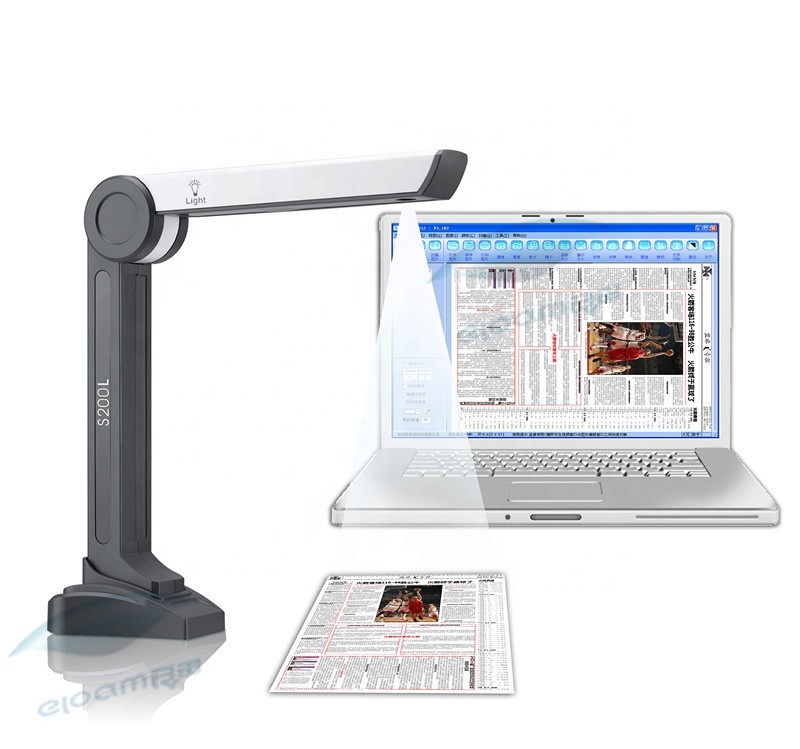
Eloam USB A4 Document Scanner with 1 Second Scan Speed CMOS Sensor 1600x1200 Resolution Gray 1-Year Warranty ABBYY OCR in Stock
Entry-level A4 capture with one-second scanning, 1600×1200 CMOS sensor and ABBYY OCR support. Practical for Austin title companies, clinics and back-office paper queues.
- A4
- 1-second scan
- ABBYY OCR
- USB
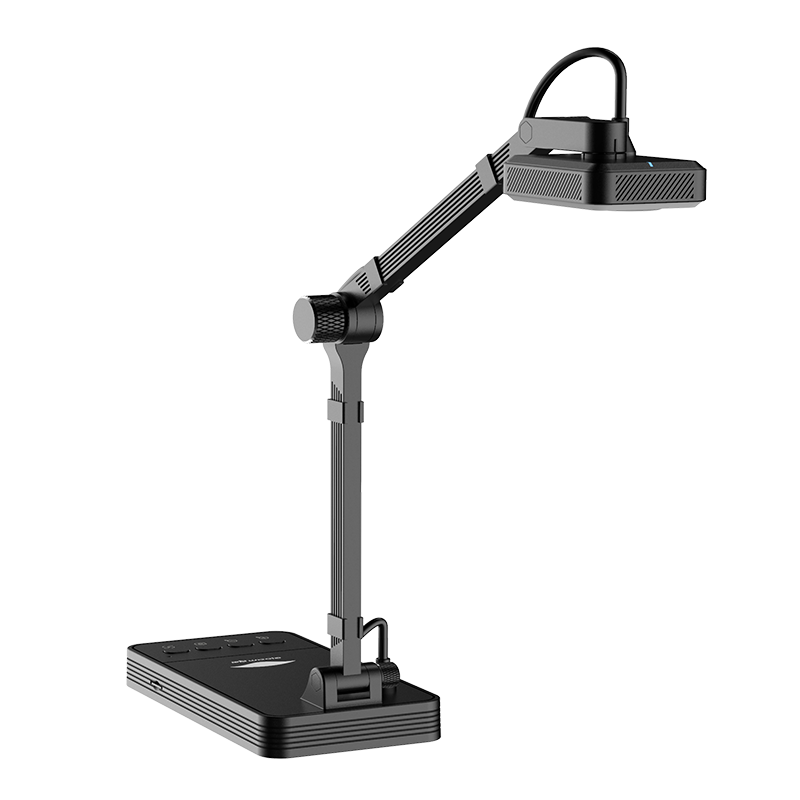
ELOAM YL1050 WIFI USB for Document Presenter A3 10MP for Teachers Distance Learning Online Teaching Video Calling Stock
A3 10MP presenter with Wi-Fi and USB for teachers, distance learning, online tutoring and live demonstration. A practical fit for Austin ISD, charter and community-college classrooms.
- A3
- 10MP
- Wi-Fi + USB
- 30 FPS
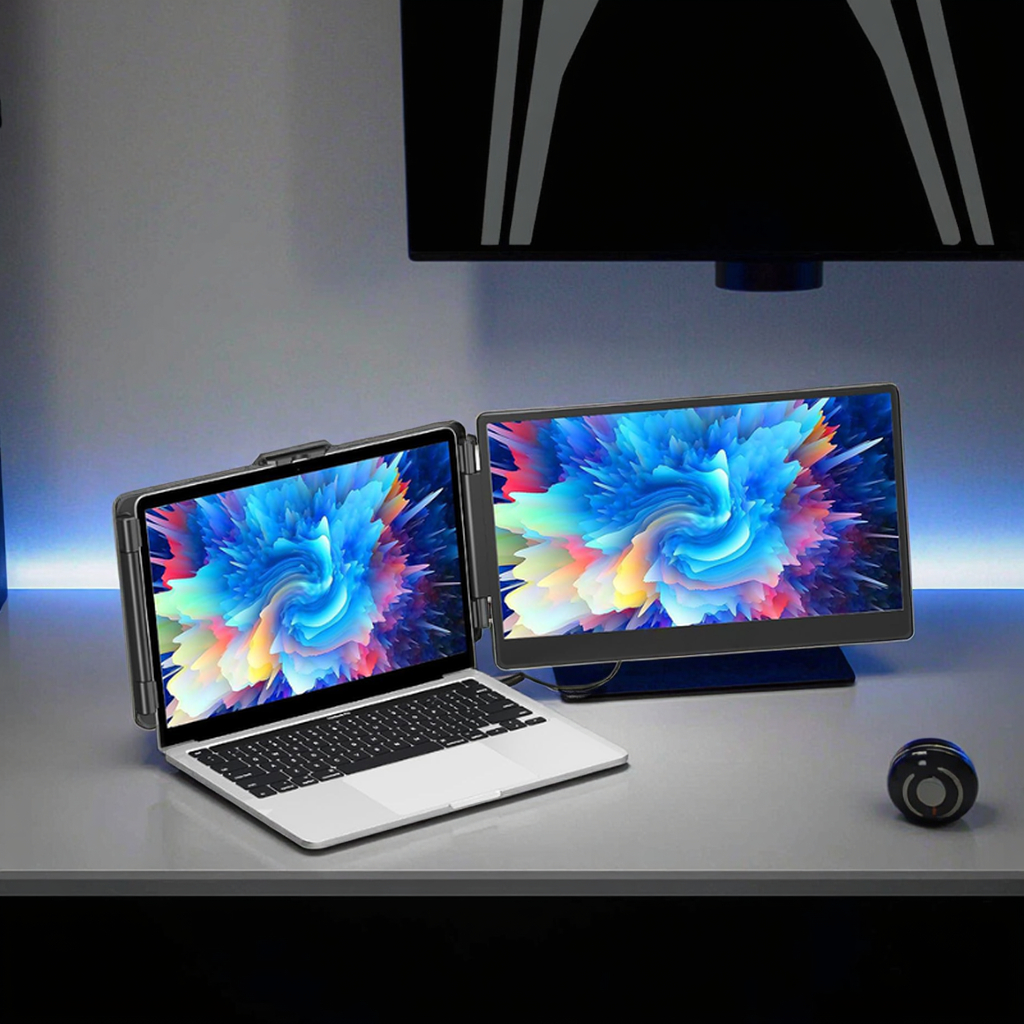
Factory Direct 14 Inch Portable IPS Panel LCD Monitor Type C Plug & Play Windows Mac 1920x1080 Resolution Business Series 60Hz
14-inch 1080p IPS portable monitor with Type-C plug-and-play for Windows and Mac. Useful for mobile Austin consultants, field auditors and hybrid workers.
- 14 inch
- 1080p IPS
- Type-C
- 60Hz
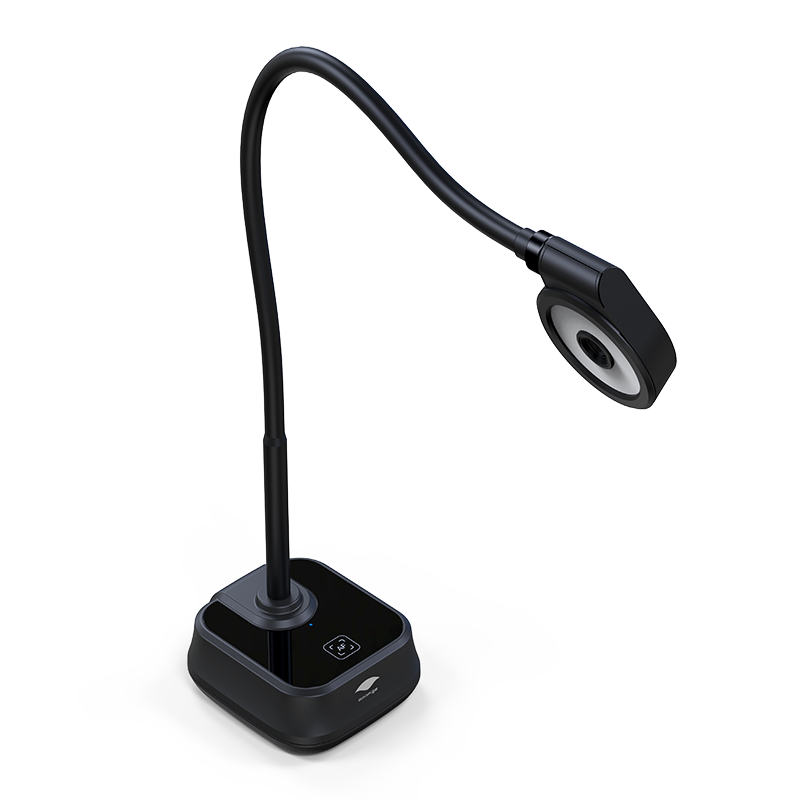
ELOAM VH800S A4 High-Speed USB Portable Video Booth & Document Scanner with OCR in Stock for Classroom and Meeting Use
A4 high-speed USB document scanner and video booth for classroom and meeting use, with OCR in stock. Suited to small-group teaching, conference rooms and records counters.
- A4
- High speed
- USB
- OCR

Eloam 10MP A3 Professional OCR Document Scanner High Precision Continuous Mode 1 Second Fast Speed USB Interface Office Stock
10MP A3 professional OCR scanner with high-precision continuous mode and one-second capture. A strong general-purpose archive machine for legal, county and university paper.
- A3
- 10MP
- Continuous mode
- 1-second
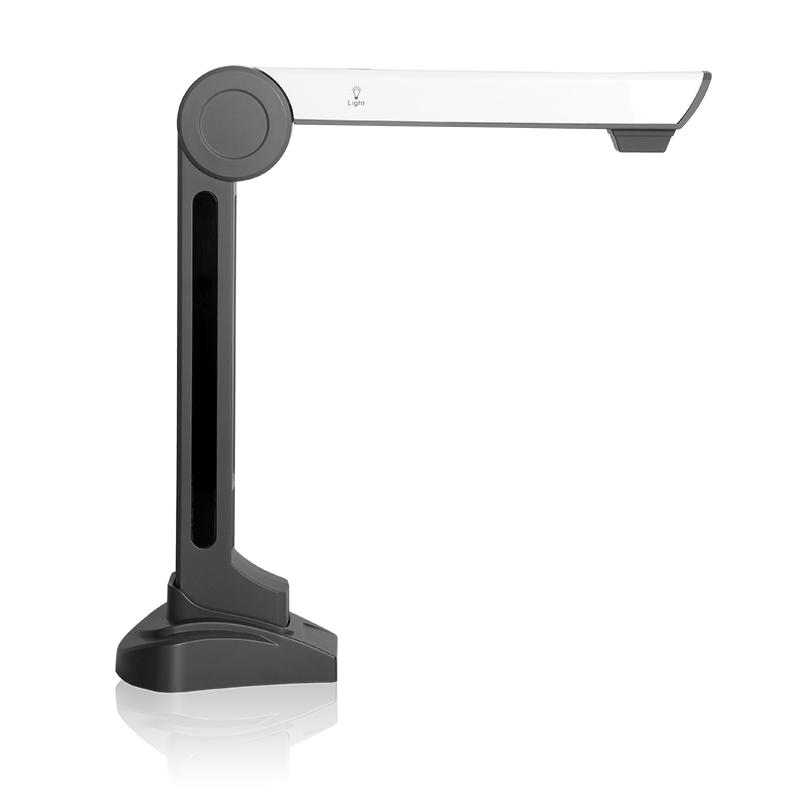
ELOAM S200L A4 Mini Overhead Projector Document Scanner with OCR USB Interface for Office Use in Stock
A4 mini overhead projector document scanner with OCR and USB. Space-saving choice for reception desks, clinics and satellite offices with limited counter space.
- A4
- Mini overhead
- OCR
- USB
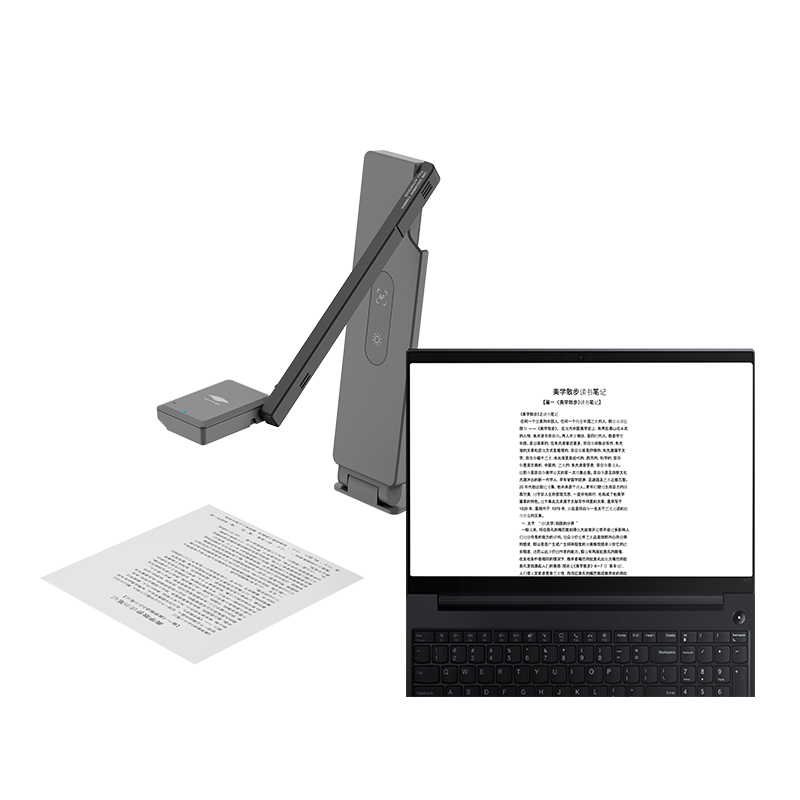
ELOAM High Resolution A3 Portable Document Scanner & Camera 3-in-1 | USB Type-C Plug Play Teaching Office Conference Use Stock
A3 portable high-resolution document scanner and camera with 3-in-1 USB Type-C plug-and-play. Flexible for conference rooms, teaching carts and field documentation.
- A3
- 3-in-1
- USB Type-C
- Portable

ELOAM VW1000AF USB/Wireless High Speed OCR Scanner Portable Document Scanner A4 Book Scanner Document Camera in Stock
USB/wireless high-speed OCR scanner, portable A4 book scanner and document camera. Useful for bound materials, reading rooms and mobile book-digitization projects.
- A4 book mode
- USB/Wi-Fi
- OCR
- Portable
Why Austin Buyers Source Book Scanning Machines from China—and What “Top” Should Mean
For Austin teams, the phrase “China top book scanning machine supplier & exporter serving Austin” should not be treated as a slogan. It should be tested against factory evidence, scan quality, OCR accuracy, software integration, warranty support and the supplier’s ability to ship a sample to Texas without creating procurement risk.
Austin’s document-capture problem is rarely caused by a lack of paper. It is caused by fragmentation: bound books in library reading rooms, case files in legal offices, plats and permits in county workflows, student materials in classrooms, patient forms in clinics, and title packets in real-estate transactions. Each format has a different geometry, lighting condition and software expectation. A scanner that performs well on flat invoices may fail on a 700-page bound volume; a classroom visualizer that looks impressive in a showroom may be too complicated for a teacher changing rooms between periods.
The city is the capital of Texas and home to the University of Texas at Austin, Austin Community College, Austin Public Library, Travis County offices and a dense legal, technology, healthcare and creative economy. That mix creates demand for A4 book scanners, A3 overhead scanners, classroom document cameras, OCR software and portable monitors—but it also creates a due-diligence requirement. Buyers need a supplier who can document the factory, confirm certifications, provide samples, customize firmware or packaging, and support freight terms such as EXW, FOB, CFR or CIF.
This guide is prepared by Shenzhen Hobry Technology Co., Ltd., a manufacturer and exporter founded in 2005. It is structured as a practical whitepaper for Austin procurement teams: local applications, localized trends, model recommendations, technical comparison criteria, export considerations and a factory evidence checklist.
Austin buying signal: verify before you scale
Local buyers searching for a book scanning machine supplier usually need more than a product photo. They need a repeatable capture process that works on real Austin documents and fits public-sector or professional standards.
- Does the supplier manufacture, or only trade?
- Can the scanner handle bound books without damaging the spine?
- Is OCR tested on actual English, Spanish and multilingual documents?
- Are certifications, warranty and spare-parts support documented?
- Can samples ship to Austin before a campus-wide or county-wide order?
Use this guide as a scoring framework, not a brochure. Compare every supplier against the same evidence.
Where Book Scanners and Document Cameras Deliver Measurable ROI
Austin’s purchasing decisions are shaped by public records, education, professional services and rapid population growth. The most successful deployments match the scanner to the physical document first, then to software and integration.
University and special-collection libraries
Library reading rooms need non-destructive capture for fragile bindings, manuscripts, yearbooks, scrapbooks and archival folders. A book scanner with a V-shaped cradle, laser-assisted flattening, soft lighting and OCR helps produce searchable PDFs while protecting the physical item. For Austin academic teams, the practical questions are scan area, page curvature correction, operator training and whether patrons can self-serve within a controlled workflow.
Courts, county clerks and open-records teams
Austin-area courthouse, clerk and records teams handle case files, plats, permits, correspondence and public-information requests. A3 overhead capture is valuable for bound packets and oversized documents; A4 machines are better for high-volume loose paper. Buyers should test OCR on case captions, stamps, handwriting-adjacent notes and poor-quality copies, then confirm output formats such as PDF, JPEG and TIFF, plus a clear retention and audit process.
K-12, community college and hybrid classrooms
In Austin ISD, Round Rock, Leander and surrounding districts, document cameras are used for live annotation, science demonstrations, math modeling, art critique and remote instruction. Wireless A3 visualizers reduce cable friction; 3-in-1 cameras help rooms without fixed AV; 30 FPS video keeps motion natural. The best investment is often the simplest device to operate—teachers should not need a manual to switch between HDMI, USB and Wi-Fi.
Professional firms, clinics and mobile teams
Austin law firms, title companies, architecture studios, healthcare clinics and consultants often need a compact capture station rather than a central scanning department. A one-second A4 scanner is effective at reception desks; a portable A3 3-in-1 camera supports field visits and conference rooms; a 14-inch Type-C monitor gives mobile staff a second screen during document review. These are workflow tools, not just hardware purchases.
Three Local Trends Reshaping Document Capture
Search demand in Austin is moving from “scanner specifications” toward “workflow outcomes”—searchable records, classroom continuity, remote collaboration and integration-ready hardware.
Records modernization and digital-first service
Public-facing teams are under pressure to provide faster records access, searchable archives and accessible digital copies. A scanner that simply produces an image is no longer enough; OCR quality, consistent file naming, metadata and software integration matter. Austin buyers increasingly ask for sample OCR output before an order, especially where records include mixed typefaces, stamps, signatures and Spanish-language materials.
Hybrid teaching and visual collaboration
Austin’s education and corporate-training market continues to blend in-person and remote participants. Document cameras must work with video-conferencing tools, interactive displays and learning-management platforms. Wireless connectivity, 30 FPS motion, A3 capture and simple switchover are now practical requirements, not premium extras. The same visualizer that serves a classroom can also support training rooms, design reviews and live product demonstrations.
AI-ready archives and integration
Organizations experimenting with AI search and document analytics need clean source capture. Low-resolution scans, distorted book curves and weak OCR create downstream errors. Suppliers that offer SDK access, firmware customization and consistent image pipelines are more valuable than suppliers selling a single box. For Austin system integrators, OEM/ODM support—logo, packaging, housing color and software settings—can shorten deployment and strengthen the local offer.
Match the Machine to the Document, Not the Other Way Around
The matrix below converts common Austin buying scenarios into practical model starting points. Confirm final configuration, software compatibility and stock with the supplier before issuing a purchase order.
| Austin use case | Recommended Hobry / ELOAM models | Why it fits |
|---|---|---|
| Library reading room and bound books | VW1000AF A4 book scanner; Book Scanner Series with V-cradle and laser assist | Portable book/document camera mode for reading-room capture, plus dedicated V-cradle options for fragile volumes and higher-volume digitization. |
| County clerk, court and legal records | 10MP A3 Professional OCR Scanner; S200L A4 overhead scanner | A3 continuous-mode capture for packets and oversized records; compact A4 capture for counter staff, case intake and quick copies. |
| K-12 and college classrooms | YL1050 Wi-Fi/USB A3 10MP presenter; VH800S A4 classroom scanner; A3 3-in-1 portable camera | Wireless demonstration, simple USB operation and 3-in-1 flexibility for hybrid teaching, conference rooms and shared teaching carts. |
| Front-desk KYC, clinics and small offices | Eloam USB A4 1-second scanner; S200L mini overhead scanner | Small footprint, fast capture and OCR support for forms, IDs, invoices and patient or client paperwork. |
| Mobile consultants and field teams | 14-inch portable IPS monitor; A3 portable 3-in-1 scanner/camera | Type-C plug-and-play display and portable A3 capture support site visits, remote review and temporary project offices. |
| Integrators and OEM distributors | Full document scanner, book scanner, visualizer and monitor range | OEM/ODM customization, buyer-label service, SDK on selected models and factory-direct production from an Intertek-verified facility. |
How to Compare Book Scanning Machines Beyond Megapixels
Megapixels are easy to market and easy to misread. Two scanners with the same sensor resolution can produce very different results because lens quality, lighting, focus behavior, image processing and book-curve correction determine whether the final page is usable. For Austin buyers, the correct approach is to test the machine on your own documents and score the output against objective criteria.
First, define the true scan area. A4 is sufficient for letters, forms and most books; A3 is better for plats, newspapers, drawings, spreadsheets and two-page spreads. If the machine will capture bound volumes, confirm whether it supports a V-shaped cradle, laser-assisted flattening or software dewarping. If it will capture flat paper, prioritize capture speed and feeder-free overhead ergonomics.
Second, test OCR as a workflow. Ask for sample output in PDF, JPEG and TIFF, and test English, Spanish, mixed punctuation, tables and small footnotes. Selected Hobry models support up to 180 OCR languages, but the buyer should confirm the exact language pack, software version and operating-system compatibility for each model. Windows support is broad; macOS support should be verified on selected large-format models.
Third, examine integration and support. An SDK is valuable only if your integrator can use it. Confirm driver behavior, firmware update policy, warranty terms, spare-parts availability and whether OEM customization changes lead time. Finally, compare the total cost of deployment—not just the unit price. A lower-cost scanner that requires more operator correction can be more expensive than a better-matched model.
Representative Austin evaluation weighting
Illustrative scoring model for a book or archive scanner sourcing decision. Weights should be adjusted for each institution’s procurement rules.
From Sample to Campus-Wide or County-Wide Rollout
A controlled four-stage process reduces the risk of buying the wrong scanner and gives stakeholders evidence before budget approval.
Define the requirement
Inventory the document types, scan areas, daily volume, software environment and user skill level. Separate must-have features from nice-to-have features. Include accessibility, records-retention and import/export needs in the brief.
Request and test a sample
Evaluate OCR on representative Austin documents, not demo pages. Test book curves, stamps, signatures, IDs, tables and mixed languages. Record capture time, correction time and operator frustration—not just image resolution.
Run a supervised pilot
Place the unit at a library counter, classroom, clinic or records desk. Train one power user, document the workflow and collect feedback from occasional users. Confirm software compatibility and support response.
Scale with export discipline
Confirm OEM/ODM requirements, packaging, firmware settings, warranty, MOQ, payment terms and shipping terms. Standard export options include T/T, L/C, PayPal and Western Union in USD, with FOB, CFR, CIF and EXW delivery terms.
What Shenzhen Hobry Technology Brings to an Austin Procurement Team
The supplier side of the equation should be as carefully evaluated as the product side. These are the verifiable capabilities that reduce sourcing risk.
Manufacturer since 2005
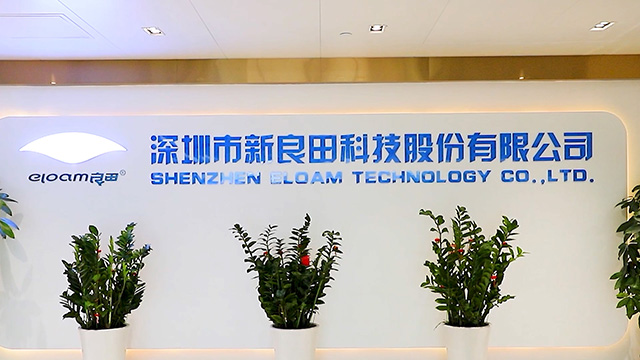
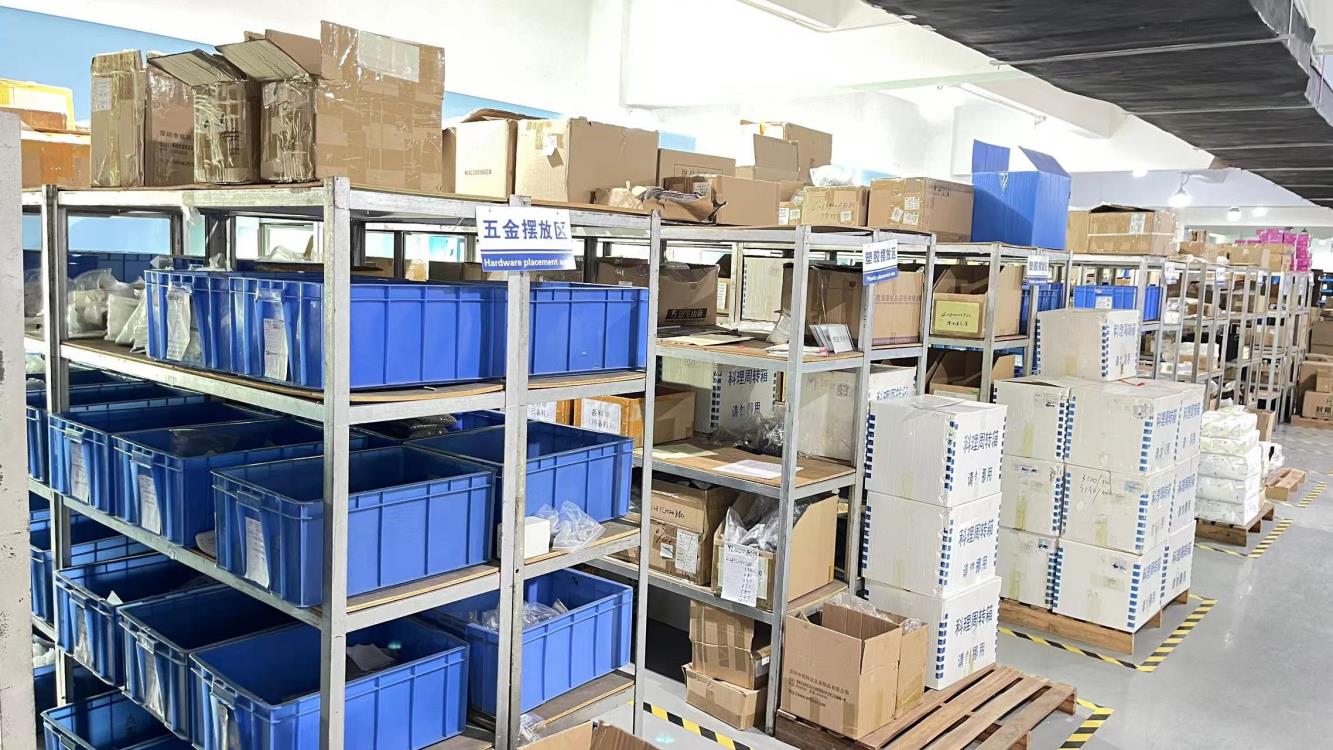
Shenzhen Hobry Technology Co., Ltd. has manufactured document scanners, book scanners, document cameras and portable monitors since 2005. The company operates as a manufacturer with an integrated export function, not as a pure trading layer.
Intertek-verified factory
The factory has been inspected onsite by Intertek, with production capability and quality-control processes reviewed. The company holds ISO 9001 quality-management certification and a National High and New Technology Enterprise certificate.
In-house research and IP
Industrial design, optics, firmware, software and manufacturing are controlled in-house. Software copyright registrations and independent intellectual property support customization rather than simple relabeling. More than 20 years of imaging R&D experience informs product reliability.
OEM / ODM capability
Logo printing, custom packaging, housing color, buyer-label service, firmware settings and software customization are available. An SDK is available on selected models for system integrators and enterprise workflows. Design service and buyer-label service are supported.
Production scale and range
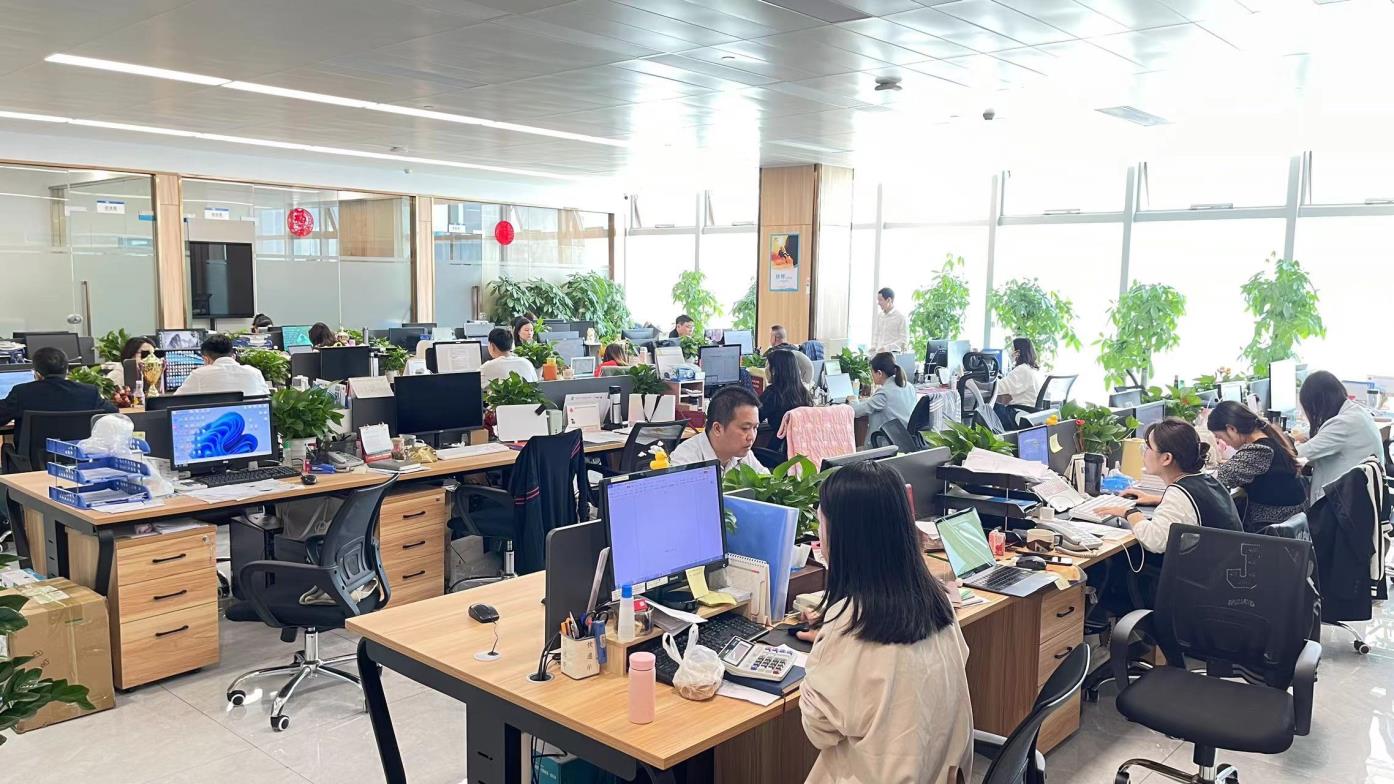
The facility operates 8 production lines with a maximum factory area of 5,000–10,000 m² and 101–200 employees. The range covers A4, A3 and A2 document scanners, V-cradle book scanners, classroom visualizers and portable extender monitors.
Export support and warranty
Products are CE certified, with FCC available on selected models. Standard warranty is 1 year. Accepted payment terms include T/T, L/C, PayPal and Western Union in USD; delivery terms include FOB, CFR, CIF and EXW. Samples are available for most models.
What Austin Buyers Should Request Before an Order
Transparency shortens supplier qualification. Before placing a book scanner order, request the company’s legal entity name, factory address, certification documents, product test report, sample unit and commercial terms. Confirm that the quotation matches the exact model, configuration, accessories and warranty.
For public-sector or institutional buyers, also confirm vendor registration requirements, invoicing details, freight forwarder arrangements and delivery responsibilities. The supplier should be able to explain which party handles import clearance, duties and final delivery to Austin. A credible exporter will not hide behind vague terms such as “free shipping” without defining the scope.
- Verify the manufacturer’s identity, address and factory size.
- Request the Intertek assessment report, ISO 9001 evidence and CE/FCC documentation.
- Test OCR on real Austin documents and confirm PDF, JPEG and TIFF output.
- Confirm warranty, spare-parts support, firmware updates and SDK access.
- Approve a sample before mass production; confirm MOQ, lead time and shipping terms.
Questions Local Buyers Ask Before Requesting a Quotation
These answers address the commercial, technical and logistics issues most relevant to Austin schools, libraries, courts, clinics and integrators.
Are you a manufacturer or a trading company?
Can you ship book scanners and document cameras to Austin, Texas?
Can Austin schools, libraries or county teams request a sample first?
Which models are best for bound books versus loose paper?
What OCR languages and file outputs are supported?
Do you provide OEM, ODM and SDK support for local integrators?
What certifications and warranty do the products carry?
How do we start an Austin-specific quotation?
Request an Austin-Ready Book Scanning Machine Proposal
Tell us whether your priority is bound-book preservation, A3 archive capture, classroom visualization, portable document review or OEM customization. We will help match the model, sample plan and export terms to your Austin deployment.
info@hobrytech.com