8 Classroom Document Cameras & Scanners for High-Intent B2B Buyers
These models are presented for distributor review, tender planning and sample evaluation. They cover A4 and A3 classroom capture, large-format scanning, wireless teaching, dual-lens library workflows and budget-friendly OCR digitization. Specifications should be confirmed model by model before a bulk order.
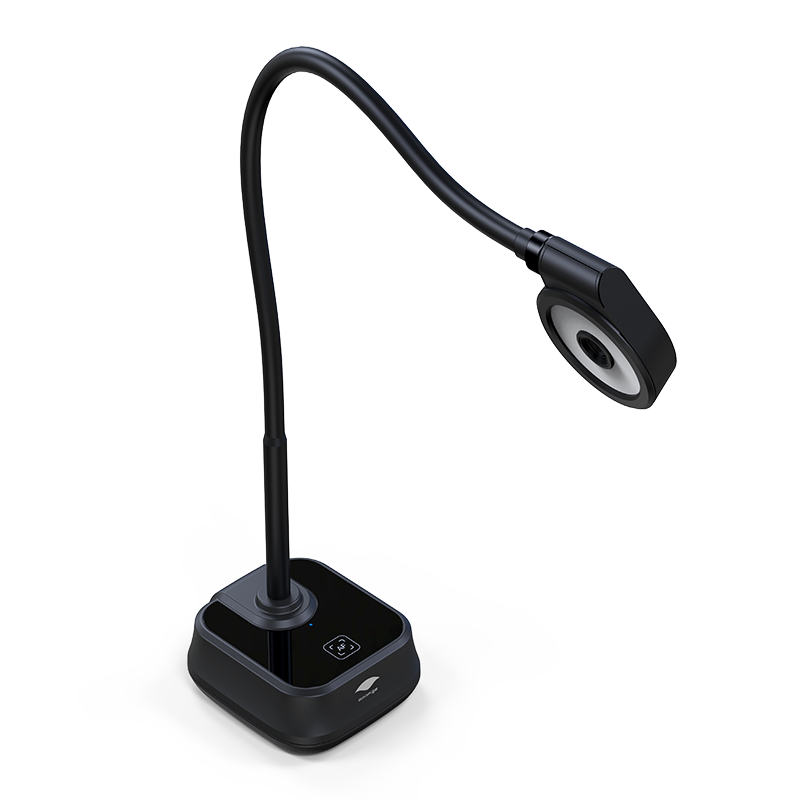
ELOAM VH800S A4 High-Speed USB Portable Video Booth & Document Scanner with OCR in Stock for Classroom and Meeting Use
A practical A4 scanner and portable video booth for handouts, meeting notes and remote lesson preparation. USB deployment suits existing teacher PCs, while OCR helps schools build searchable digital archives without changing classroom routines.
- A4 capture
- USB
- OCR
- In stock
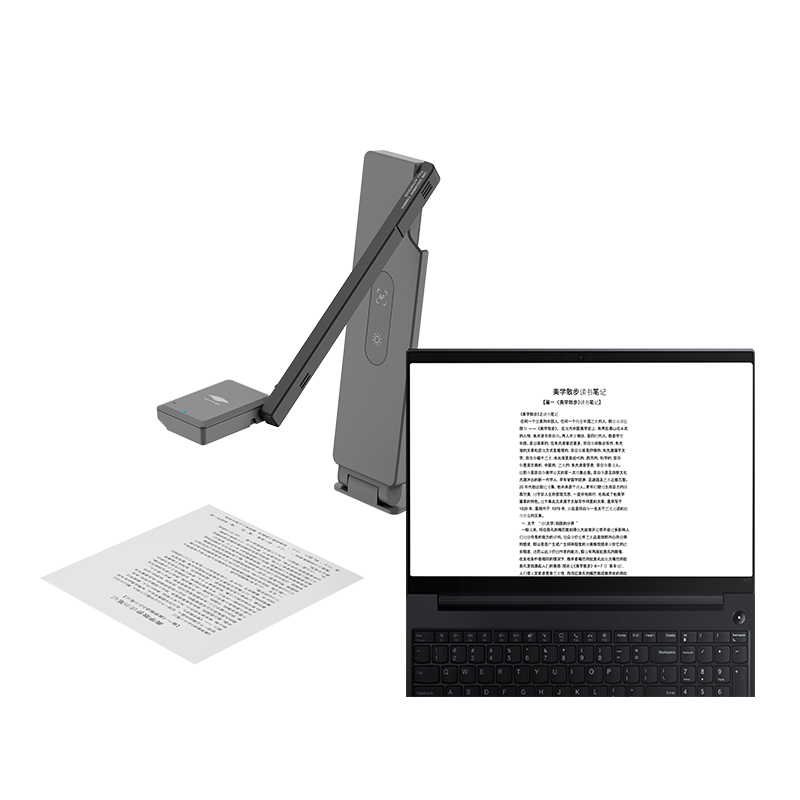
ELOAM High Resolution A3 Portable Document Scanner & Camera 3-in-1 | USB Type-C Plug Play Teaching Office Conference Use Stock
Combines A3 scanning, document-camera capture and 3-in-1 presentation in one USB Type-C device. Plug-and-play operation reduces installation time across shared classrooms, conference rooms and training centers that need live demonstration plus digitization.
- A3 area
- 3-in-1
- USB Type-C
- Plug play
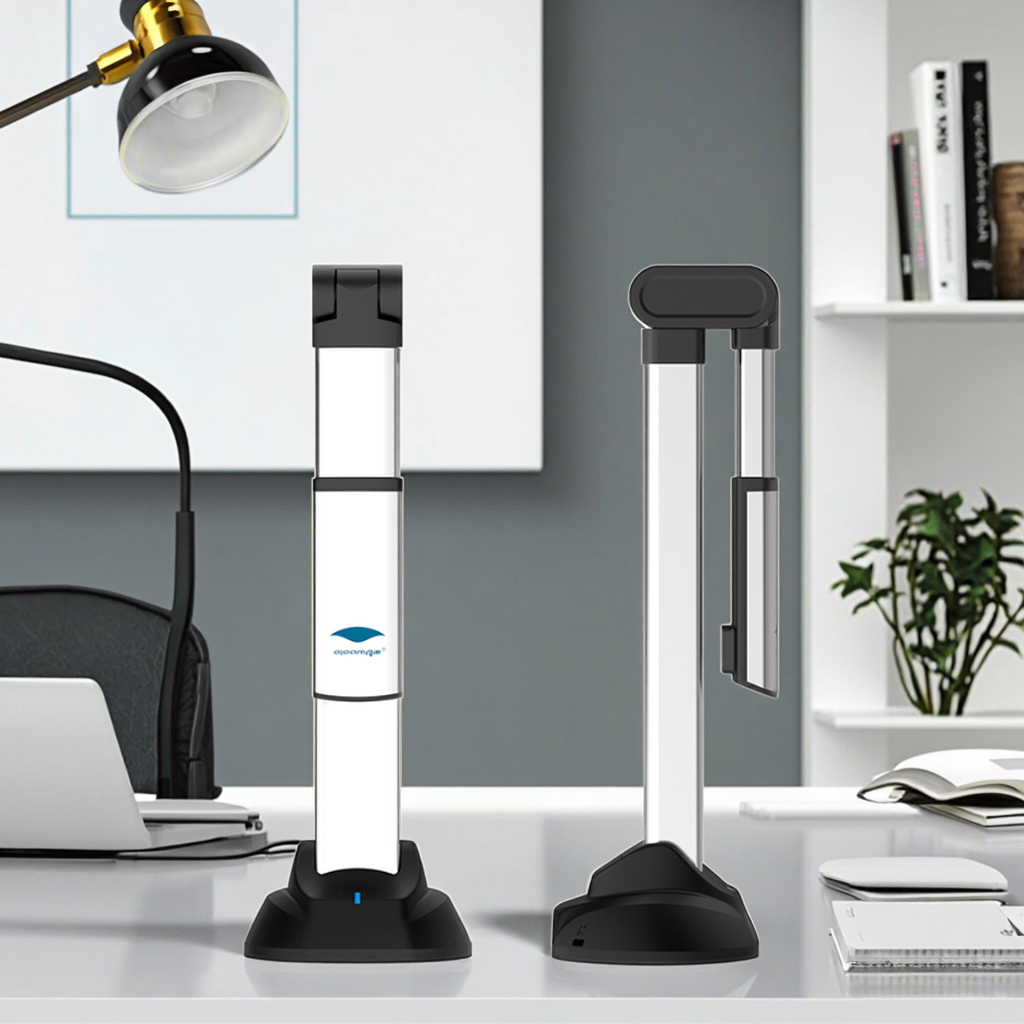
Eloam A2 Auto Focus Large Format Document Scanner 18 MP CMOS 5184x3456 USB LED Light Source
For maps, posters, technical drawings and artwork, the 18MP A2 model provides a 5184×3456 CMOS capture area with auto focus and LED illumination. It is the right recommendation when A3 is too small but an A2 flatbed is too bulky or slow.
- A2 area
- 18MP CMOS
- Auto focus
- LED light
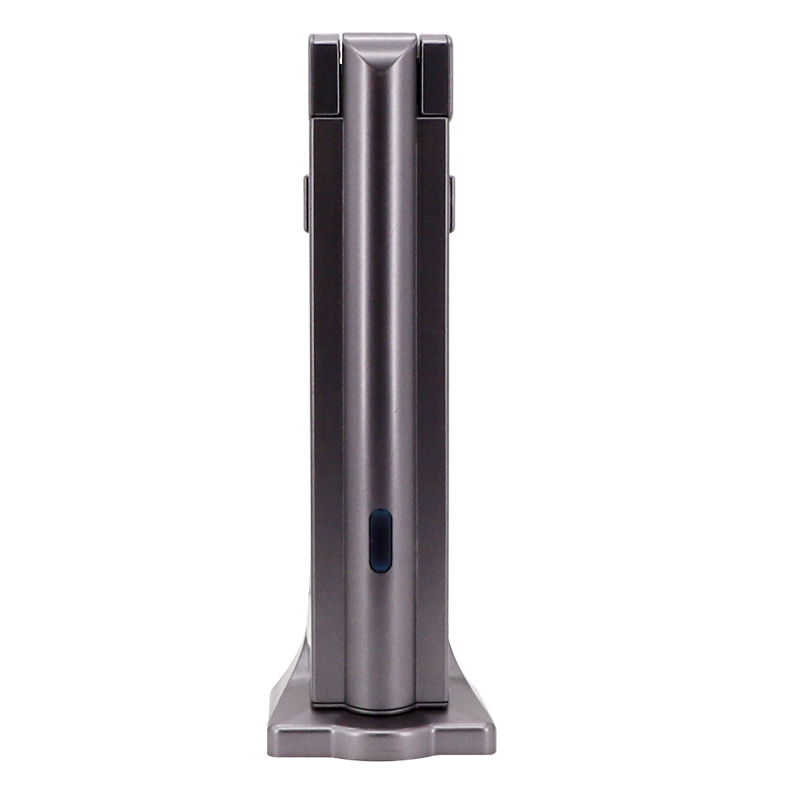
ELOAM Auto-Focus A3 10MP Portable Document Scanner USB Interface 1S Scan Speed Automatic Continuous Scanning Windows 10/11
An A3 10MP auto-focus scanner with one-second scan speed and continuous scanning for Windows 10/11. It fits administrative offices, exam processing and project rooms where staff need repeatable high-volume capture with minimal training.
- A3 area
- 10MP
- 1-second scan
- Windows 10/11
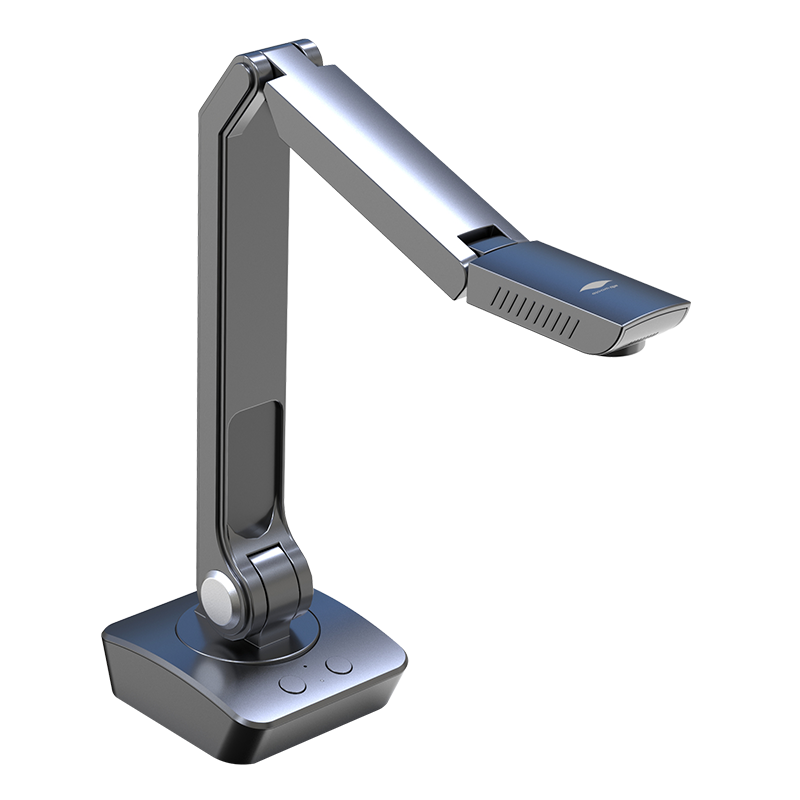
ELOAM V801A3AF A3 Portable Document Camera with USB Interface OCR Function for School & Office Meetings in Stock
An A3 USB document camera with OCR for classroom demonstration and office meetings. It is in stock, easy to add to interactive displays or projectors, and useful for STEM demonstrations, worksheet annotation and visualizer-based blended learning.
- A3 area
- USB
- OCR
- In stock
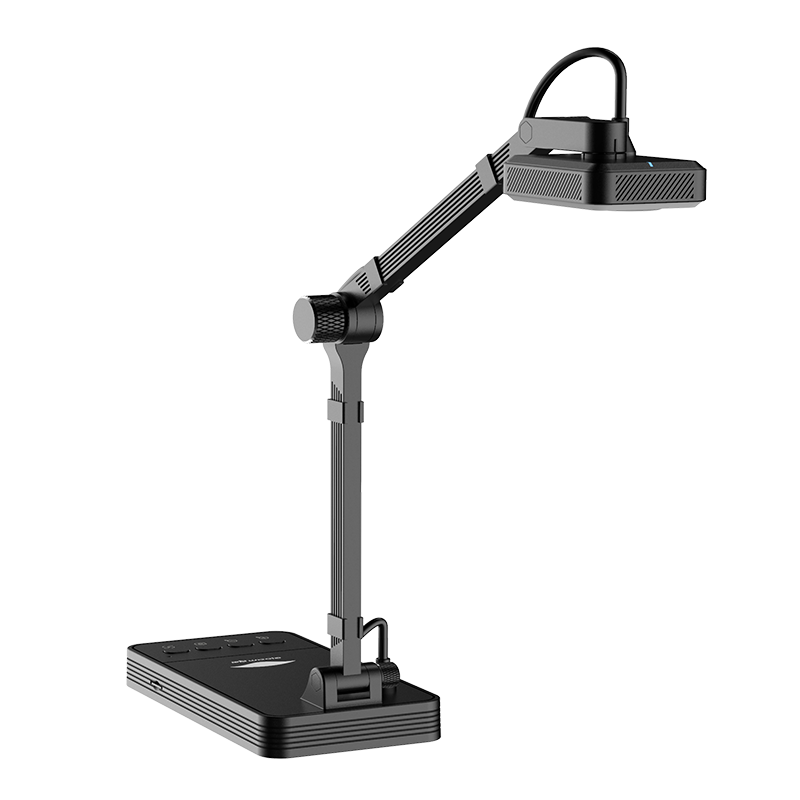
ELOAM YL1050 WIFI USB for Document Presenter A3 10MP for Teachers Distance Learning Online Teaching Video Calling Stock
A wireless and USB A3 10MP document presenter for teachers delivering distance learning, online teaching or video calling. Wi-Fi lets educators demonstrate while moving around the room; USB provides a stable fallback for hybrid classrooms and district standardization.
- A3 area
- 10MP
- Wi-Fi + USB
- Distance learning
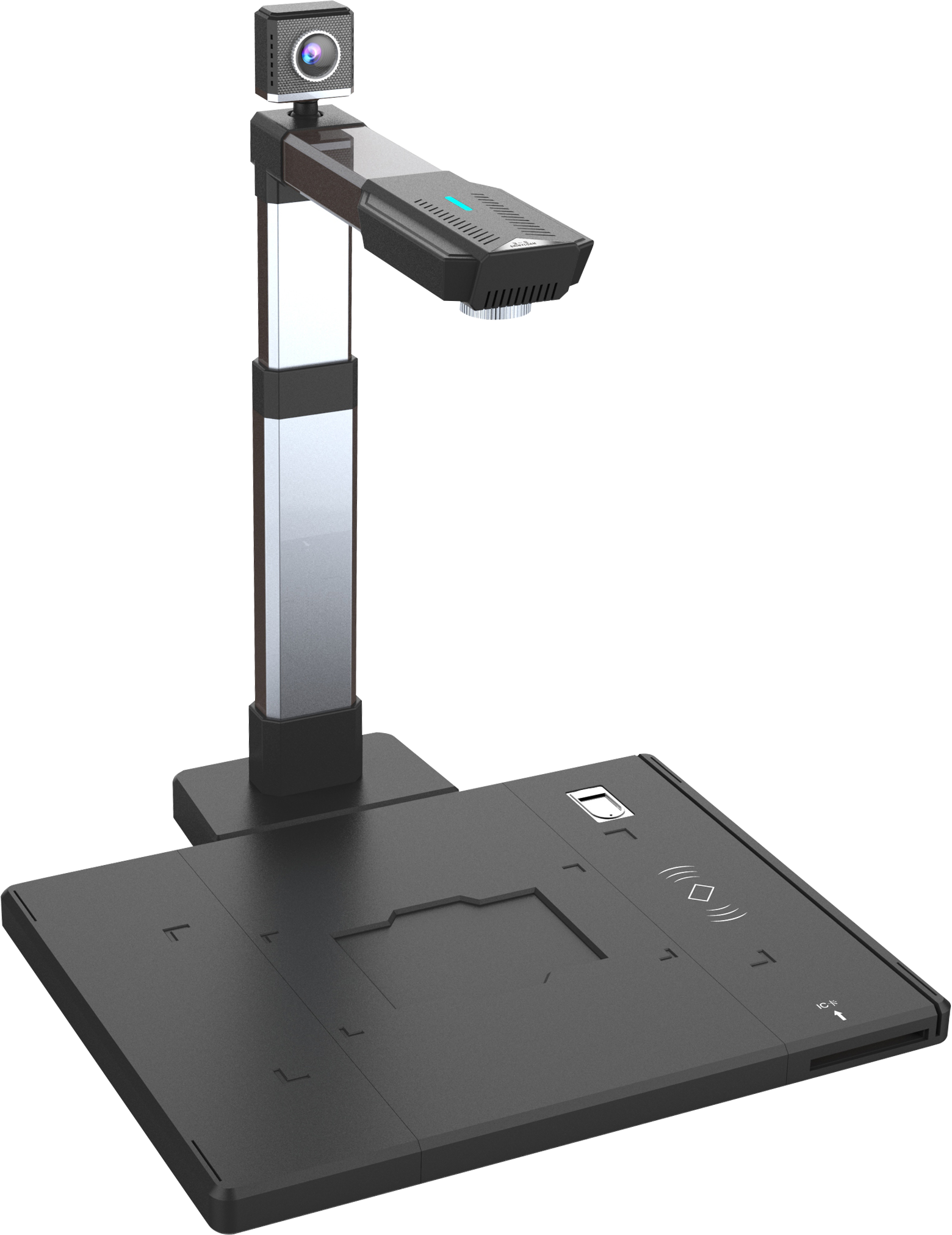
Eloam YL1020 Dual Lens USB Interface High-Speed A3 OCR 2D Code SDK Supported Multifunctional Library Document Scanner Save Time
A dual-lens USB A3 scanner with high-speed OCR, 2D-code reading and SDK support. It is aimed at libraries, archives and system integrators that need multifunctional capture with software integration, making SDK availability a key tender advantage.
- A3 area
- Dual lens
- OCR + SDK
- 2D code
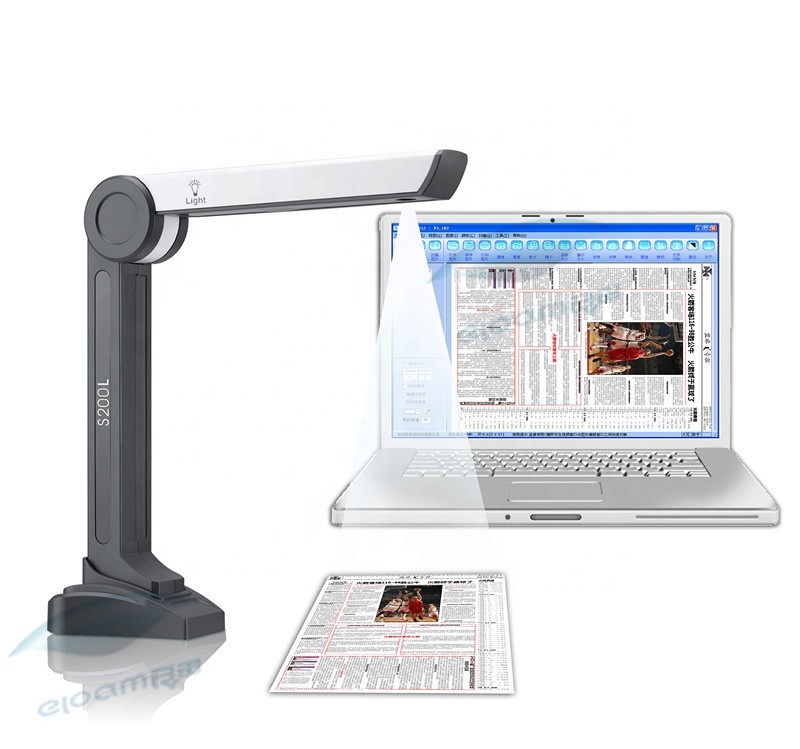
Eloam USB A4 Document Scanner with 1 Second Scan Speed CMOS Sensor 1600x1200 Resolution Gray 1-Year Warranty ABBYY OCR in Stock
A compact A4 USB document scanner with one-second scan speed, 1600×1200 CMOS capture, ABBYY OCR and a 1-year warranty. It suits budget-conscious school districts, back-office digitization and first-stage paperless programs.
- A4 area
- 1-second scan
- ABBYY OCR
- 1-year warranty
Which Classroom Document Camera Configuration Fits Your Tender?
School buyers rarely purchase a camera in isolation. They compare classroom visibility, OCR output, software compatibility, mounting method, warranty coverage and total cost of ownership. Use this matrix to shortlist models before requesting samples.
| Buyer scenario | Recommended model | Why it fits | RFQ question to ask |
|---|---|---|---|
| Primary classroom demonstration | ELOAM V801A3AF | A3 USB document camera with OCR and simple in-class setup. | Which interactive display brands and USB extension lengths are validated? |
| Hybrid and distance teaching | ELOAM YL1050 | Wi-Fi plus USB gives teachers room mobility and a stable fallback. | Which casting protocol, security mode and video-call platforms are supported? |
| School office OCR digitization | ELOAM A3 10MP | One-second A3 capture with continuous scanning on Windows 10/11. | What OCR languages, output formats and batch naming rules are included? |
| Map, poster and STEM drawing capture | Eloam A2 18MP | A2 area, 5184×3456 resolution, auto focus and LED light. | Does the bundle include a wall or desktop mounting solution? |
| Library and archive workflows | ELOAM YL1020 | Dual lens, OCR, 2D-code reading and SDK integration support. | Is SDK documentation, sample code and technical escalation included? |
| Budget district rollout | Eloam A4 USB Scanner | Low-friction A4 scanner with ABBYY OCR and 1-year warranty. | What spare-parts and advanced-exchange options are available? |
China Wholesale Classroom Document Camera Procurement Trends for 2025–2030
The next buying cycle is not only about megapixels. Education procurement teams are moving toward serviceable bundles, privacy-aware edge processing, multi-language OCR and software integration that protects the school’s existing technology investment.
Bundled classroom capture
Buyers increasingly compare camera, software, mounting, cabling, training and warranty as one package. A lower unit price can be misleading if the school must source accessories and teacher training separately, so distributors should quote complete deployment kits.
Total cost of ownership
Public-school tenders now scrutinize five-year TCO: spare lenses, power adapters, replacement arms, software licensing, freight, installation and after-sales response. Manufacturers that publish lifecycle and spare-parts data gain an advantage during supplier qualification.
Privacy and edge AI
Schools want OCR and image enhancement to work locally where possible, especially when classroom content includes student work or personal data. Procurement questions now cover firmware update policy, network behavior, local storage and cloud-upload consent.
Local-language OCR
English-only OCR is no longer enough for many tenders. Buyers serving bilingual classrooms, government offices and archives ask for broader language packs, accurate table recognition, searchable PDF output and clean export into document-management systems.
SDK and interoperability
System integrators prefer hardware that fits existing software through SDK, TWAIN, UVC, Windows drivers and documented APIs. Interoperability reduces deployment risk and creates repeat revenue for distributors through software configuration and support contracts.
Sustainable and serviceable design
Procurement teams increasingly value repairable structures, recyclable packaging, low-power USB operation and firmware longevity. A visualizer designed for straightforward lens or arm replacement can remain in service longer and support circular procurement goals.
How Classroom Document Cameras Are Evolving Beyond Simple Projection
Document cameras are becoming hybrid teaching devices: optical capture, OCR, annotation, wireless casting and software integration in one compact classroom tool. The strongest manufacturers will compete on reliability and information gain, not only on camera resolution.
4K, optical zoom and clearer detail
Schools projecting onto large displays need clean magnification of small text, circuit boards, laboratory samples and handwriting. Optical zoom preserves detail better than digital zoom, so premium classroom models are moving toward better lenses rather than pixel count alone.
Dual-lens and multimodal capture
Dual-lens architecture can support document capture, 2D-code reading and different viewing angles without repositioning the device. This trend matters to libraries, examination centers and integrators building multifunction workstations.
USB-C, Wi-Fi and cable-free teaching
Teachers want to move around the room while demonstrating. Wi-Fi casting improves pedagogy, but USB-C and USB fallback remain essential for reliability, security and schools with older classroom PCs.
AI-assisted OCR and cleanup
OCR is shifting from batch conversion to real-time assistance: auto-crop, deskew, fingerprint removal, page flattening and language detection. For procurement, the key question is whether these features run locally and whether the output remains auditable.
Compact, foldable and serviceable
Classroom space is limited. Foldable arms, integrated lighting and smaller footprints help visualizers survive daily use in shared rooms. Serviceable hinges, arms and lenses reduce downtime compared with sealed, non-repairable designs.
Firmware lifecycle and security
As cameras become network-connected, buyers ask about update policy, signed firmware, device identity and end-of-support dates. A documented lifecycle program helps distributors answer school IT reviews and public-sector cybersecurity questionnaires.
Total Cost of Ownership: The Hidden Variables Behind a Wholesale Quotation
For a classroom document camera manufacturer, the lowest FOB price is not automatically the best award. Serious buyers calculate the cost of accessories, software, installation, training, support and spare parts across a multi-year deployment. This is where a transparent manufacturer becomes a stronger long-term partner.
| Cost item | Question to ask the manufacturer | Why it changes the award decision |
|---|---|---|
| Acquisition and accessories | Are power adapters, USB cables, remote controls, mounts and carrying cases included? | Incomplete kits create hidden local purchase costs and may delay classroom installation. |
| Software and OCR licensing | Is OCR software licensed per device, per school, or per user? Are updates included? | Software renewal fees can exceed hardware savings over a five-year deployment. |
| Installation and training | Are quick-start guides, teacher videos and remote training available in the local language? | Adoption failures often come from training gaps, not hardware defects. |
| Spare parts and repairs | How long are lenses, arms, boards and adapters available after end of production? | Serviceable models reduce classroom downtime and avoid early replacement. |
| Firmware and security support | What is the firmware update policy, and are release notes and rollback packages provided? | Schools need predictable support for IT audits and network security reviews. |
| Warranty and escalation | What failure rate data, RMA process and technical escalation path are available to distributors? | Clear after-sales terms protect the distributor’s reputation during multi-school rollouts. |
Why Hobry Is a Qualified China Wholesale Classroom Document Camera Manufacturer
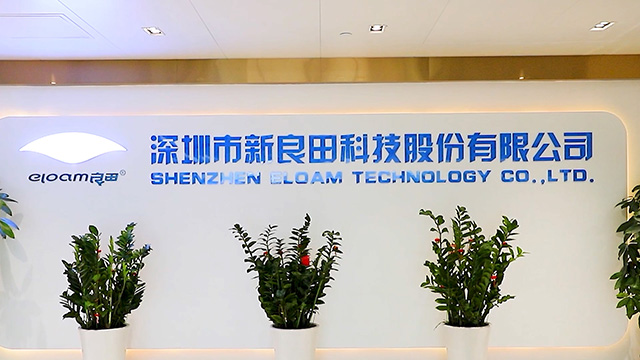
Shenzhen Hobry Technology Co., Ltd. has manufactured document scanners, book scanners, document cameras and portable monitors since 2005. For B2B buyers, the value is not only product range; it is engineering continuity, OEM/ODM capability, factory verification and a documented quality process.
Engineering Experience That Supports Long-Term Supply
Founded in 2005, the company combines industrial design, optics, firmware, software, manufacturing and global sales in one organization. Its product line covers A4, A3 and A2 document scanners, book scanners, classroom visualizers, 3-in-1 document cameras, wireless presenters and portable monitors.
As a National High-Tech Enterprise with software copyright registrations, Hobry is positioned for buyers who need more than a trading company. OEM, ODM, buyer-label and design services are available, including logo printing, custom packaging, housing color, firmware and software customization, and SDK support on selected models.
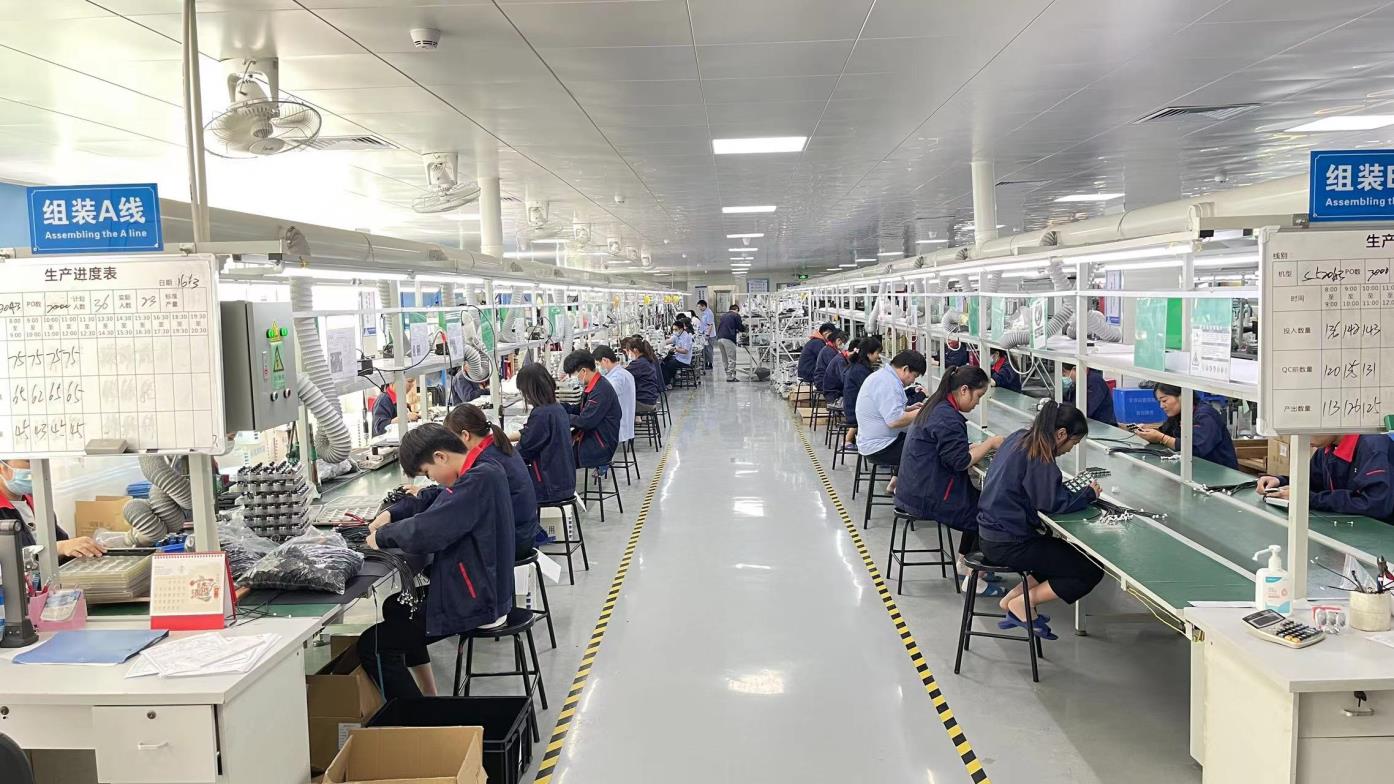
Factory verification matters in public-sector sourcing. The company operates 8 production lines in a 5,000–10,000 m² facility in Shenzhen, employs 101–200 people, and has been verified onsite by Intertek. Products are CE certified, with FCC available on selected models, and standard warranty is 1 year unless otherwise agreed.

Verified Supplier Evidence for Due Diligence
Procurement teams can review factory assessment, trade capacity and trading history before engagement. This supports E-E-A-T in supplier evaluation: experience in imaging categories, demonstrated manufacturing expertise, authoritative third-party verification and reliable delivery terms.
From Classroom Requirement to Wholesale Shipment
For distributors and school groups, customization should be engineered rather than relabeled. The OEM/ODM process below reduces specification risk and shortens the path from sample approval to repeat orders.
01 · Requirement review
Confirm scan size, resolution, target operating systems, ports, OCR languages, housing color, packaging and tender compliance requirements.
02 · Design and engineering
Review firmware options, software UI, SDK needs, logo placement, accessory kit and documentation requirements for the destination market.
03 · Sample validation
Test pre-production samples against teacher workflow, IT compatibility and quality acceptance criteria before mass production.
04 · Production and delivery
Mass production with incoming, in-process and finished-product checks, then FOB, CFR, CIF or EXW shipment and after-sales support.
Where Wholesale Classroom Document Cameras Create Measurable Value
The same visualizer platform can serve multiple verticals. This matters to distributors because one product family can address education, government, banking, libraries and office digitization with different configurations.
Classroom teaching
Live demonstration of books, worksheets, science experiments and small objects. Teachers can annotate and record lessons for hybrid learning.
Banking and government
Fast ID, passport and form capture at service counters. OCR and SDK options help reduce manual keying and integrate capture into existing systems.
Libraries and archives
Non-destructive capture for bound materials, with models supporting OCR, dual lens, preview and SDK integration for cataloging workflows.
Office and remote work
Searchable PDF creation, video-call document sharing and portable screen extension for mobile professionals and paperless office programs.
Factory, R&D and Quality Evidence for B2B Buyers
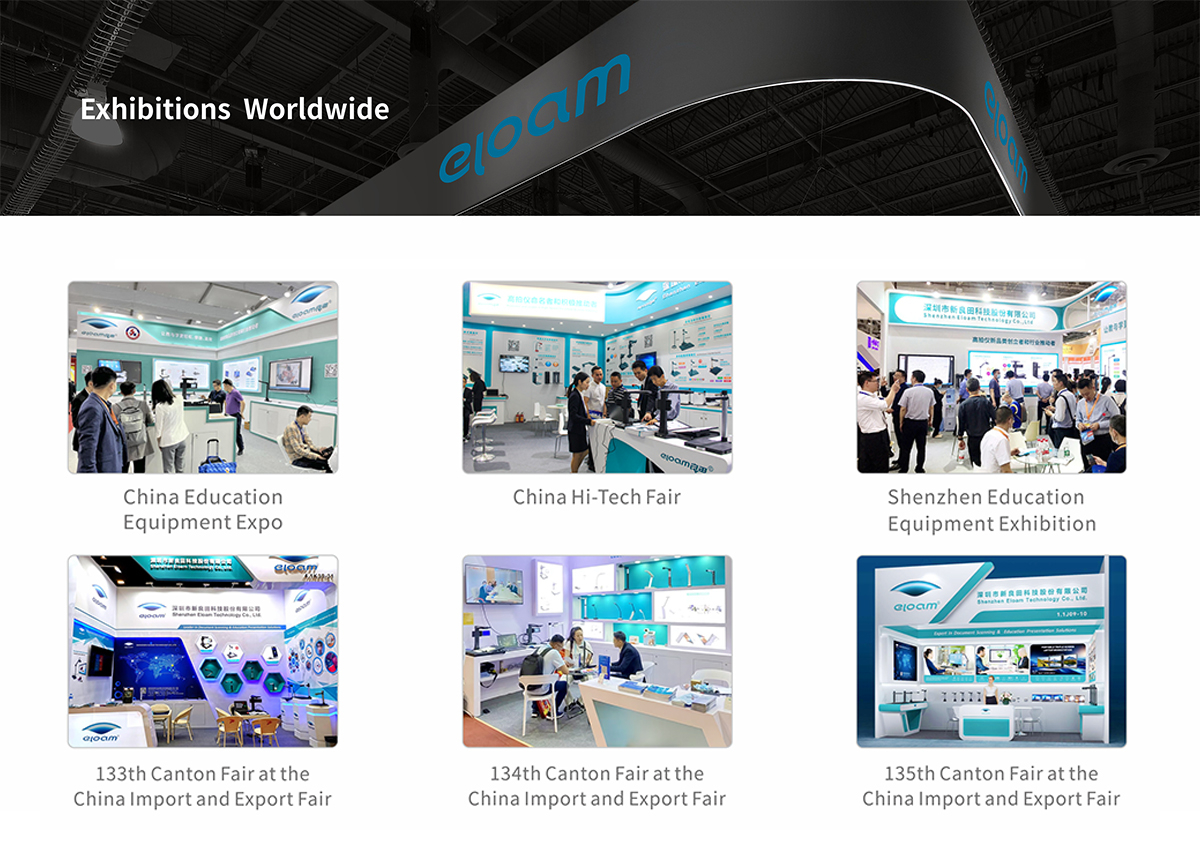
Product images alone do not prove manufacturing capability. The following original company images show factory operations, engineering resources and quality inspection areas used to support document camera and scanner production.
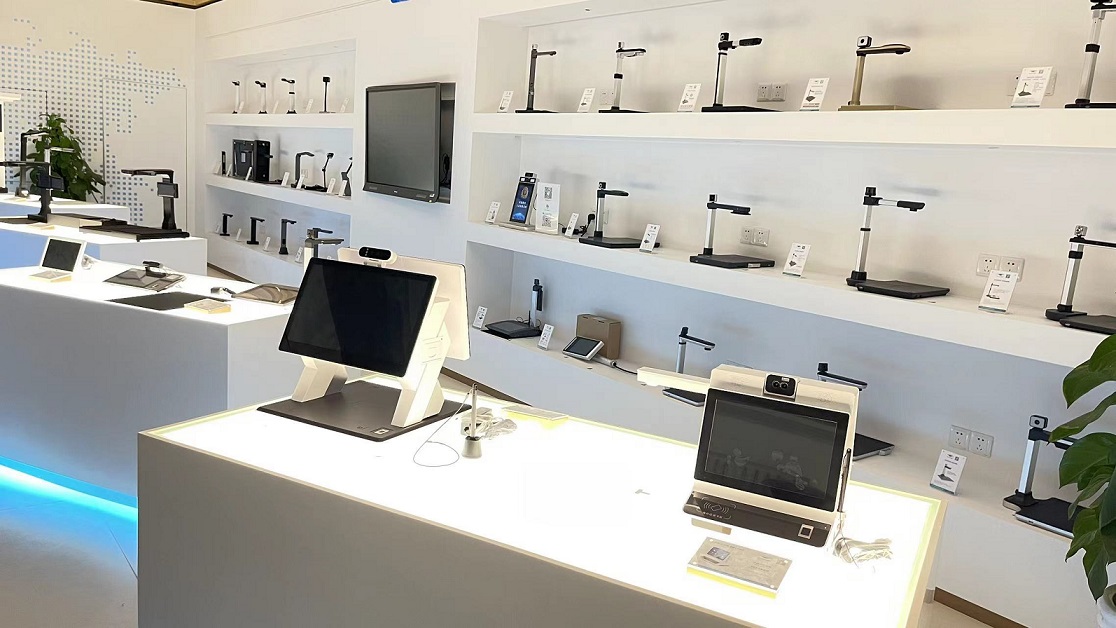
Company overview and imaging product development history.
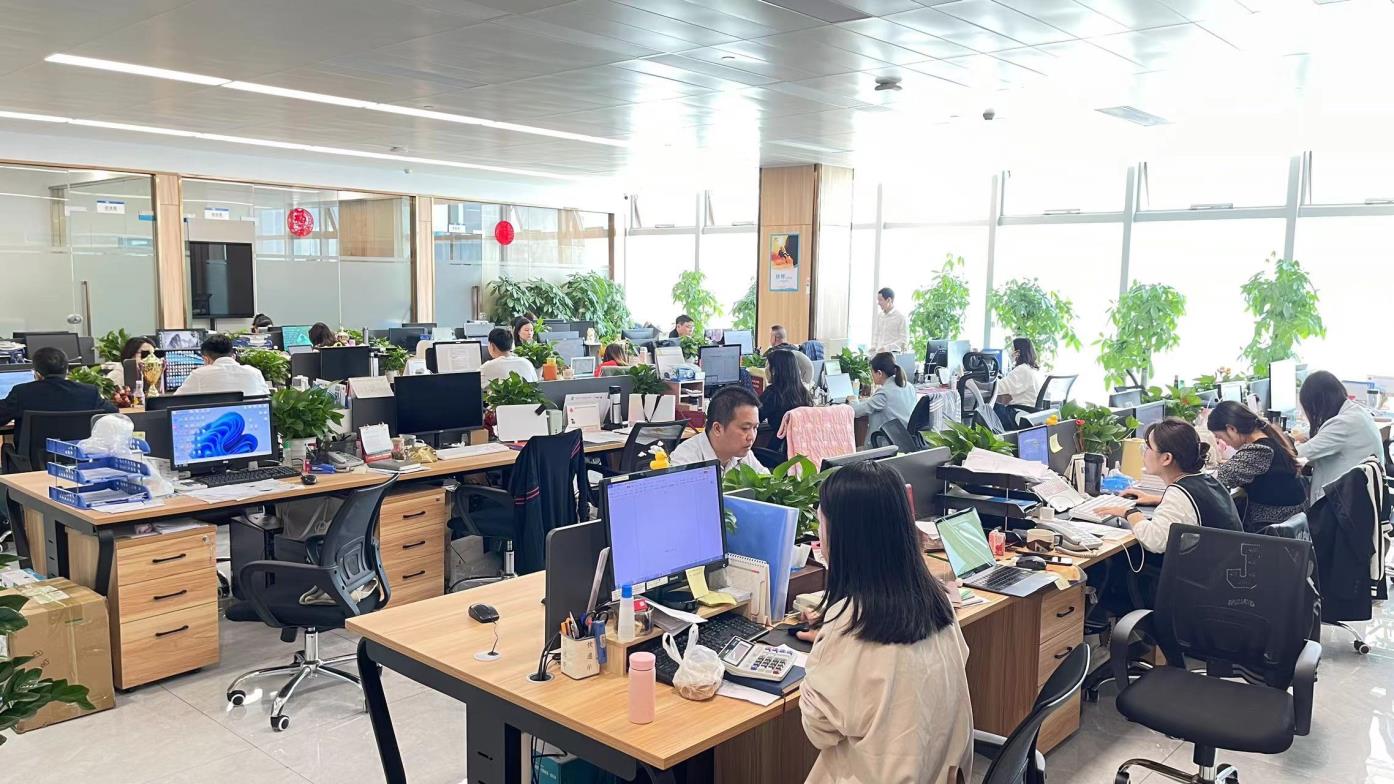
Engineering resources for visualizer and scanner customization.
Production lines for classroom document camera assembly.
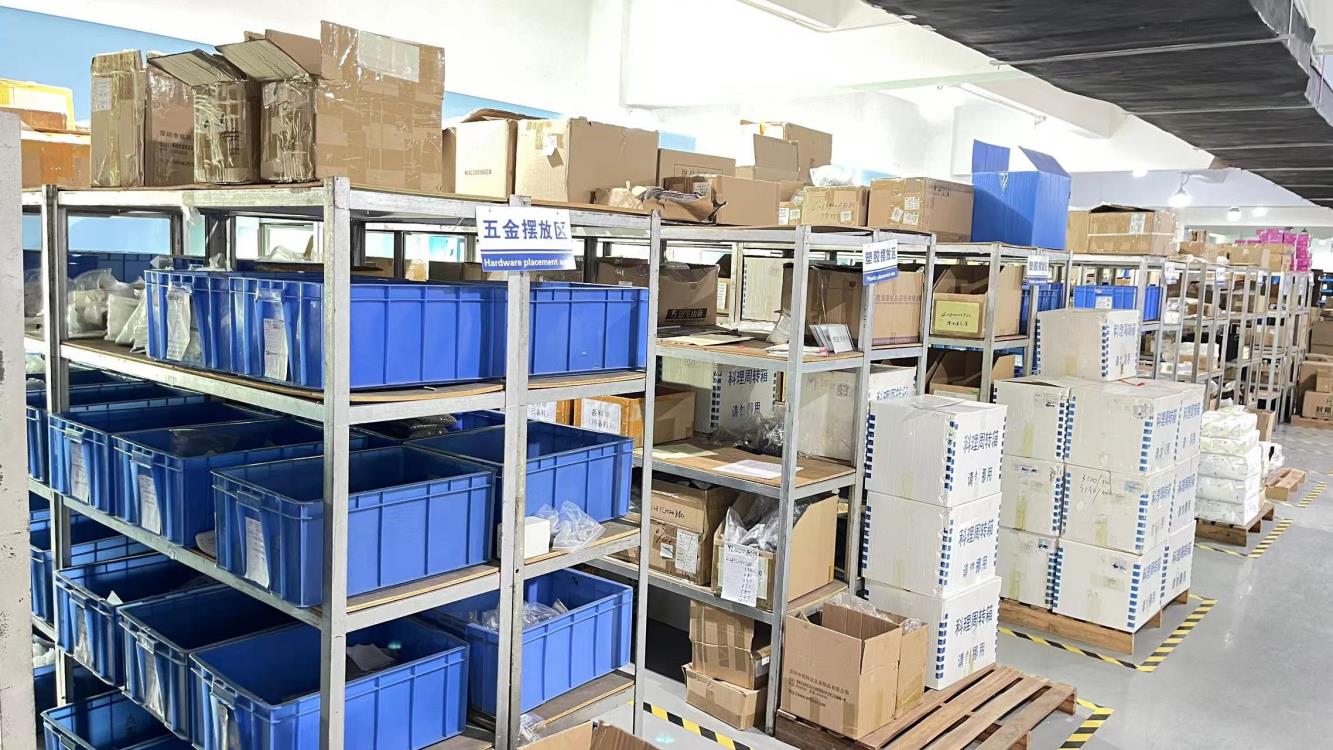
Quality inspection before wholesale shipment.
Classroom Document Camera Manufacturer FAQ
These are the questions most often asked by distributors, school procurement officers and system integrators before the first OEM/ODM order. Final terms are confirmed in the quotation and proforma invoice.
Is Hobry a manufacturer or a trading company?
Can you supply wholesale classroom document cameras and OEM/ODM customization?
What is the MOQ and can buyers order samples before a bulk order?
Which certifications and quality checks apply to classroom document cameras?
What OCR languages and operating systems are supported?
What should a school include in a classroom visualizer specification?
How do you address privacy and classroom data security?
What are the accepted payment, delivery and shipping terms?
What warranty and after-sales support are standard?
How can buyers verify factory capability before placing a wholesale order?
Planning a Classroom Document Camera Wholesale Project?
Share your scan size, target quantity, OCR language requirements, operating-system environment and delivery market. The team can recommend the right classroom visualizer or scanner configuration and prepare a model comparison sheet for tender review.