
What a Library-Grade Book Scanner Must Do
The phrase “book scanner for library digitization” describes a workflow, not a single specification. The correct system depends on binding condition, page size, daily throughput, OCR requirements, metadata rules and service expectations.
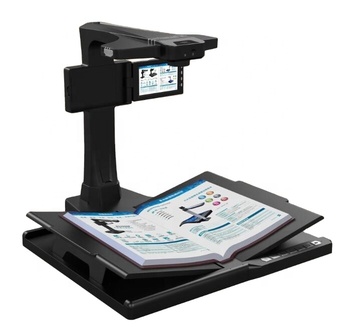
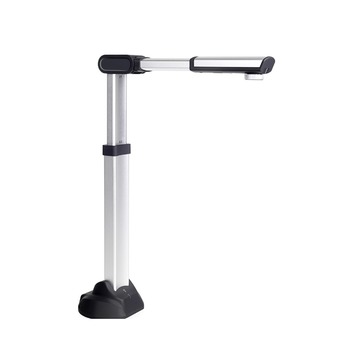
Libraries and archives digitize very different materials: rare manuscripts, newspapers, course reserves, legal ledgers, photographic albums, maps, government records and community heritage collections. A flatbed scanner can be excellent for loose paper, but bound volumes require an overhead camera platform with controlled lighting, a book cradle and software that reduces manual correction. For procurement teams, the goal is not simply the highest megapixel count. The goal is a repeatable workflow that protects the collection, keeps operators productive and produces files that can be discovered and cited.
Non-destructive capture is the baseline
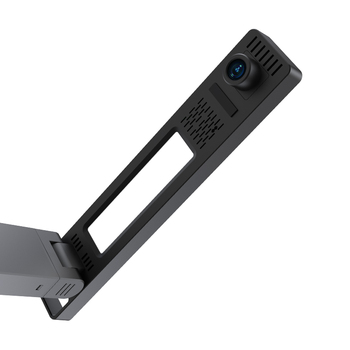
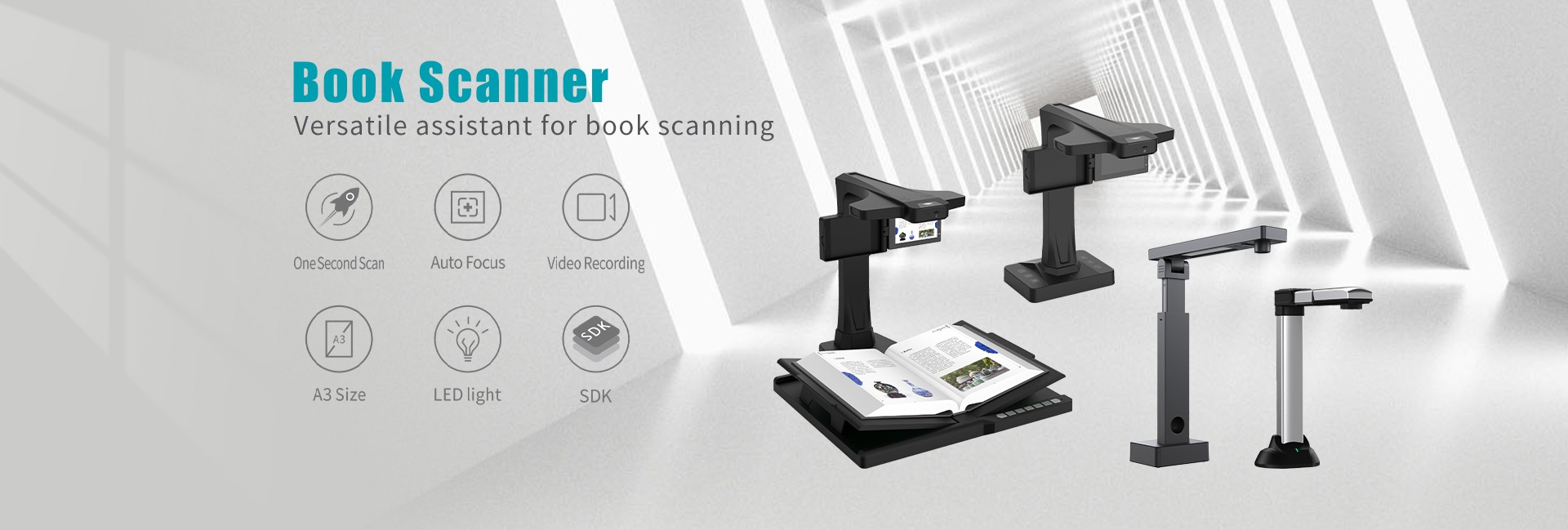
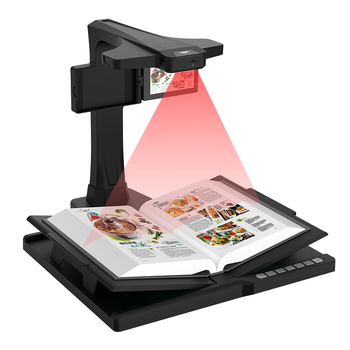
A library-grade book scanner should hold the book in a way that respects the spine. A V-shaped cradle supports the pages at an angle so the operator does not force a tight binding flat. Overhead capture keeps the camera and lighting away from the page surface. Laser-assisted models add another layer of control by projecting lines that help the software detect page curvature and flatten the page image digitally. This is especially useful for rare books, handwritten ledgers and tightly bound volumes where physical pressure is unacceptable.
Resolution is important, but only one part of image quality
For routine text OCR, a lower-resolution platform can be adequate. For preservation-level access images, illustrated books, maps and fine print, 22MP to 28MP overhead book scanners are a practical starting point. Buyers should ask about sensor quality, lens performance, lighting consistency, color accuracy, auto-crop behavior and the effective resolution at the document surface. A well-tuned 22MP scanner can outperform a poorly calibrated higher-resolution device in real library work. Request sample scans using your own language, paper tone and binding type rather than relying only on a specification sheet.
OCR and metadata turn images into searchable collections
Digitization has limited value if users cannot search, cite or retrieve the material. OCR output, PDF accessibility, file naming rules, batch folders and metadata export all affect the usefulness of the scanner. Selected book scanners and document scanners from Shenzhen Hobry Technology Co., Ltd. support OCR software with up to 180 recognition languages depending on the model. For collection managers, the practical question is whether the scanner fits the target file format, cataloguing workflow and library management system. Where integration is required, request SDK documentation and test the output format with your IT team before committing to volume production.
Throughput and ergonomics decide total cost
Procurement calculations should include operator time, training, rework, maintenance and spare-part availability. A scanner that saves several seconds per capture may deliver a stronger return than a cheaper unit that requires constant manual cropping. Preview screens, foot pedals, auto-focus, auto-crop and clear on-screen controls reduce fatigue in long digitization sessions. For tenders, ask for an on-site training plan, maintenance guidance and a spare-part program. These details are often more important than small differences in purchase price.